



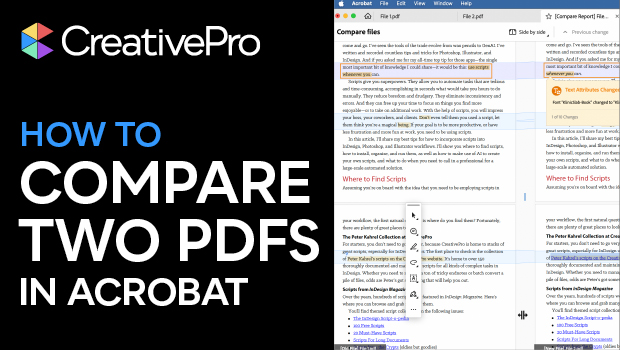
In this Acrobat how-to video, Mike Rankin shares a quick tip for comparing two PDFs. He uses the Compare PDFs tool to view them side by side and create a report listing all the changes. He also shows how to highlight specific kinds of changes.
Subscribe to the CreativePro YouTube channel for more helpful design tips!
This article was last modified on November 6, 2025
This article was first published on October 21, 2025
Commenting is easier and faster when you're logged in!

Recommended for you
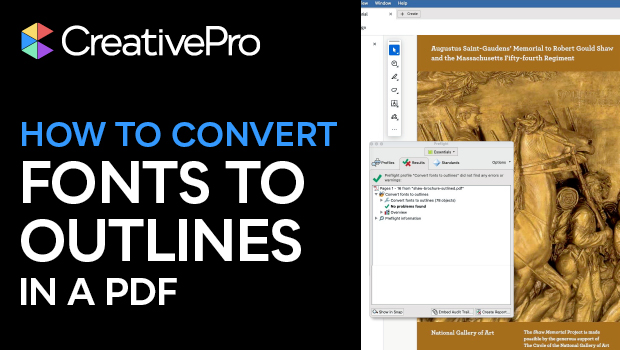
How to Convert Fonts to Outlines in a PDF
If you need to provide a PDF with fonts converted to outlines to your print serv...

Why Your Print Workflow May Be Stuck in the Past
A Conversation with Adobe’s Mark Lewiecki on PDF best practices for print

Quick Wins: Building Print Production Skills
Use these five resources to boost your prepress knowledge and skills.