



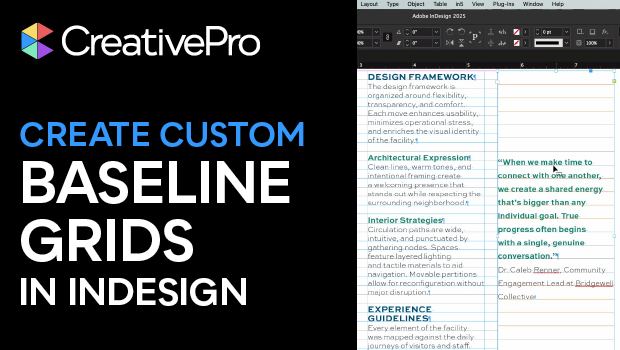
In this InDesign how-to video, Julie Shaffer takes a look at custom baseline grids. It can be tricky to get all your text to align nicely, especially in a document full of text with varying leading. Julie solves this problem by using Text Frame Options to create a custom grid for each text frame.
Subscribe to the CreativePro YouTube channel for more helpful design tips!
This article was last modified on December 14, 2025
This article was first published on October 14, 2025
Commenting is easier and faster when you're logged in!

Recommended for you

Why Does the Last Line Not Fit on My InDesign Page?
When the last line in a text frame gets pushed to the next page, it can raise qu...

Fitbaseline: A Better Way to Work With Baseline Grids
When designing publications, we aim for simplicity and harmony throughout the co...

CreativePro Video: Using Text as Graphics in Presentations
In this week’s CreativePro video, Mark Heaps shares a few tips for using text as...