




In this week’s CreativePro video, Renée Brisson-Khan demos how easy it is to extract images from a Word document to use wherever you need them. Taken from CreativePro Week’s Three Minutes Max session.
New videos every Tuesday on our CreativePro YouTube channel. Be sure to subscribe so you don’t miss any!
This article was last modified on November 13, 2018
This article was first published on November 13, 2018
Commenting is easier and faster when you're logged in!

Recommended for you
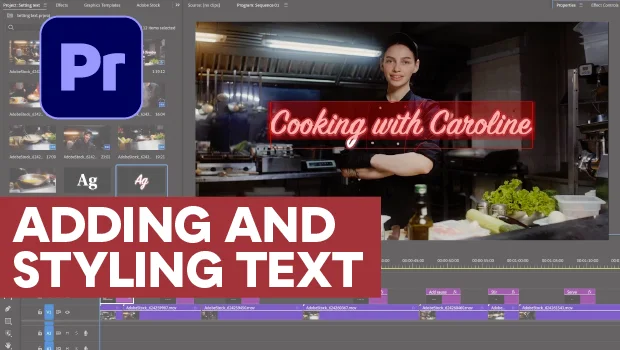
Adding and Styling Text in Premiere
Myra Ferguson covers text formatting and safe margins in Premiere.


Making Tables Accessible
Learn how to correctly tag complex PDF table headers for screen readers with Dax...