



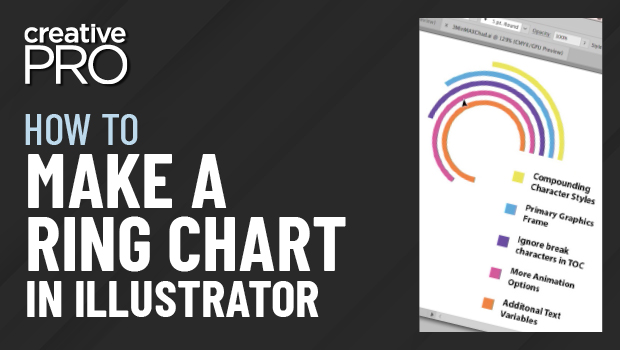
In this “Three Minutes Max” video, Chad Chelius shows off an easy way to create ring charts in Illustrator. Using dynamic shapes and a little math—don’t worry, Illustrator does the heavy lifting—your infographics will pop while still conveying important information.
Three Minutes Max comes from a fun—yet very competitive—session at our annual CreativePro Week conference. Speakers have three minutes to wow the audience with the tip and win a prize for a lucky conference attendee.
New videos every Tuesday on our CreativePro YouTube channel. Be sure to subscribe so you don’t miss any!
This article was last modified on June 23, 2023
This article was first published on October 2, 2018
Commenting is easier and faster when you're logged in!

Recommended for you

Setting Illustrator’s Shape Builder Options
My drawing abilities using Illustrator’s Pen and Pencil tools leave much t...

Making Variable Bar Graphs in InDesign with Data Merge
Learn how to make bar graphs in InDesign, using an Excel formula, Data Merge, an...

Building an Org Chart or Flowchart in InDesign, Part 3
In part 3 of the series, David shows how to draw lines and re-align elements in...