



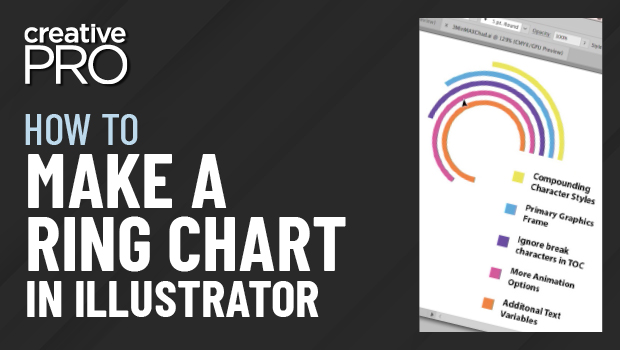
In this “Three Minutes Max” video, Chad Chelius shows off an easy way to create ring charts in Illustrator. Using dynamic shapes and a little math—don’t worry, Illustrator does the heavy lifting—your infographics will pop while still conveying important information.
Three Minutes Max comes from a fun—yet very competitive—session at our annual CreativePro Week conference. Speakers have three minutes to wow the audience with the tip and win a prize for a lucky conference attendee.
New videos every Tuesday on our CreativePro YouTube channel. Be sure to subscribe so you don’t miss any!
This article was last modified on June 23, 2023
This article was first published on October 2, 2018
Commenting is easier and faster when you're logged in!

Recommended for you
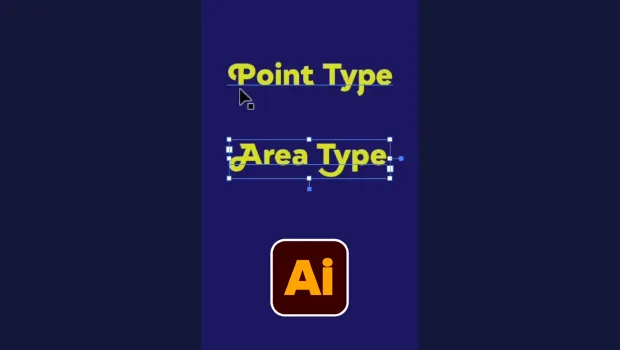
Illustrator’s Two Kinds of Type
Khara Plicanic explains the two kinds of type in Illustrator.

Index Fixes: No Styling in Topic Names
Topic names cannot natively be styled in the Index panel. However, a simple solu...

Creating Accessible Charts and Infographics
Creating Accessible Charts and Infographics is easier than you think: Simple tip...