


CreativePro Magazine Issue 6 Now Available
CreativePro Magazine Issue 6 has articles on data visualization, digital planners, redesign projects, Adobe cloud files, and more!
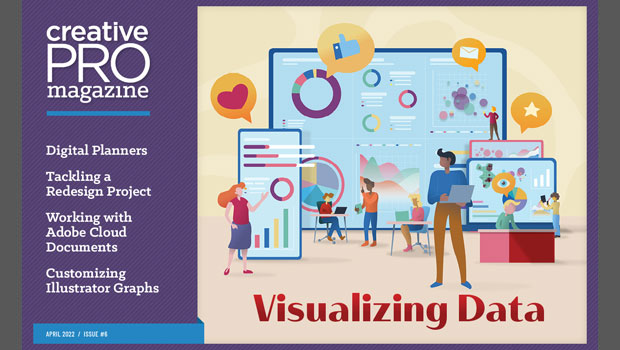
We’re happy to announce that CreativePro Magazine Issue #6 (April 2022) is now available!

Here’s what the issue includes:
Visualizing Data
Try these simple (and scientific) data visualization principles to engage your audience.
All About Digital Planners
Whether you want to buy one, sell one, or make one for your own use, we’ll get you up and running in no time.
How to Plan and Execute a Successful Redesign Project
A look at the strategy and process you can use to bring about a design transformation that fits your timeline, budget, and audience
Working with Adobe Cloud Documents
Learn all about Adobe’s vision for the future of rapid collaboration
InFocus
A roundup of tools, fonts, add-ons, assets, and other InDesign-centric goodies
Customize Graphs in Illustrator
Improve your graphs with custom column designs and labeled data points.
Sign and Date a PDF Form That Doesn’t Have Those Fields
Two methods for signing and dating any PDF with Adobe Acrobat.
Resize with an InDesign Object Style
Take command over the way objects resize with object styles
Create a 3D Pie Chart in Illustrator
Learn two methods for making 3D charts in Illustrator.
Use PowerPoint’s Cameo Feature
Put yourself directly onto your slides via a live webcam feed.
Remember, you can find every issue of CreativePro Magazine and InDesign Magazine here, or by clicking Magazine above. Members get this month’s issue plus access to all back issues of CreativePro Magazine and InDesign Magazine! Enjoy!
This article was last modified on July 29, 2022
This article was first published on April 1, 2022
Commenting is easier and faster when you're logged in!

Recommended for you

Merge Ahead: Choosing the Right Tool for Variable Data Jobs
Which tool will smooth the road for the variable data that drives your customize...
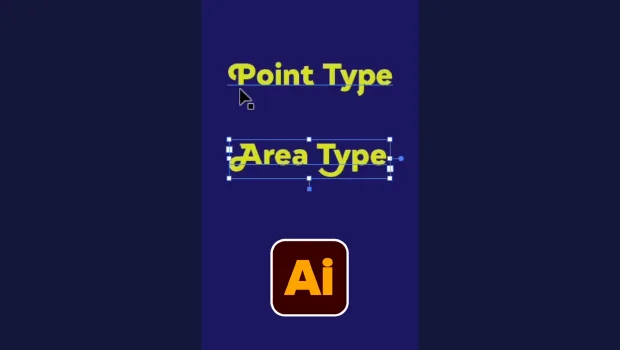
Illustrator’s Two Kinds of Type
Khara Plicanic explains the two kinds of type in Illustrator.
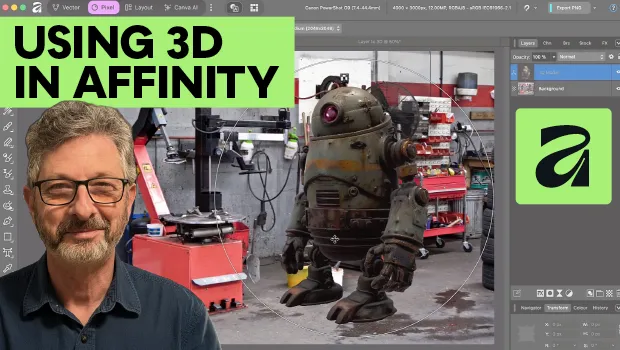
Using 3D in Affinity
Create rotatable 3D objects using Affinity and Canva AI with Steve Caplin.