

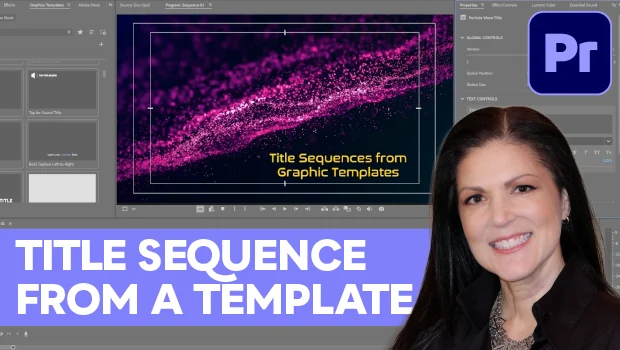
In this Premiere how-to video, Myra Ferguson creates an animated title sequence using Motion Graphics Templates (MOGRTs). First, she browses through the options in the Graphic Templates panel and demonstrates how to see previews of the animations. Then, Myra explains how to drag templates onto the timeline and customize text, fonts, colors, and layout options in the Properties panel.
Subscribe to the CreativePro YouTube channel for more helpful design tips!
This article was last modified on November 16, 2026
This article was first published on November 17, 2026
Commenting is easier and faster when you're logged in!

Recommended for you
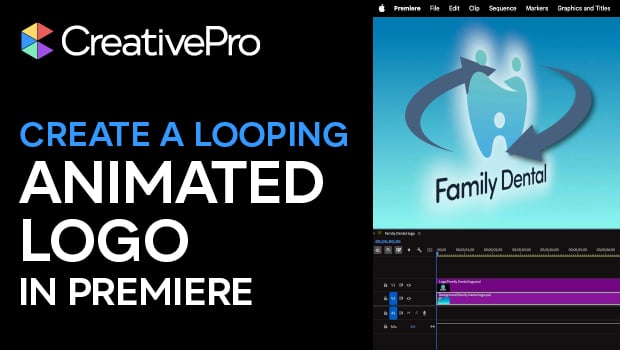
Create an Animated Looping Logo in Premiere
This looping animated logo tutorial from Myra Ferguson is perfect for Premiere b...
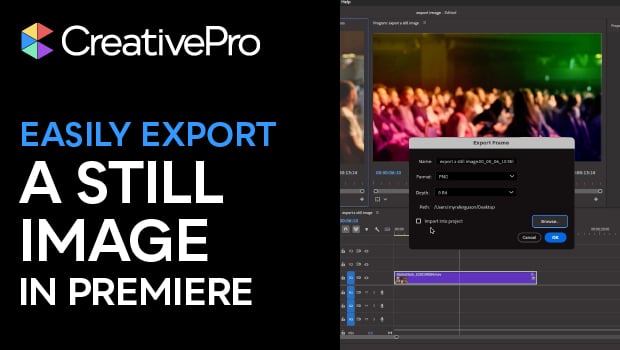
Export a Still Image from a Video in Premiere
Export a single frame from a video in Premiere with Myra Ferguson.