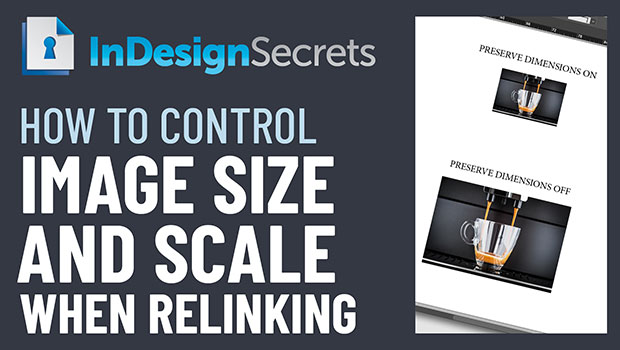
In this week’s InDesignSecrets video, Mike Rankin shows how InDesign handles the size and scale of images when relinking to a new version. If you need to maintain dimensions—or need the scale to remain—he explains where to set the preference for getting the right result.
Check out new tutorials every Tuesday on our InDesign Secrets YouTube channel, then join the discussion on our Facebook group!
This article was last modified on August 29, 2025
This article was first published on January 29, 2020
Commenting is easier and faster when you're logged in!

Recommended for you

Remove Blemishes in Photoshop With a Click
Khara Plicanic shows us how to remove blemishes from skin in Photoshop with just...

A Script to Display InDesign Documents at Actual Size
Script makes Actual Size on screen match actual size in the real world, even if...