



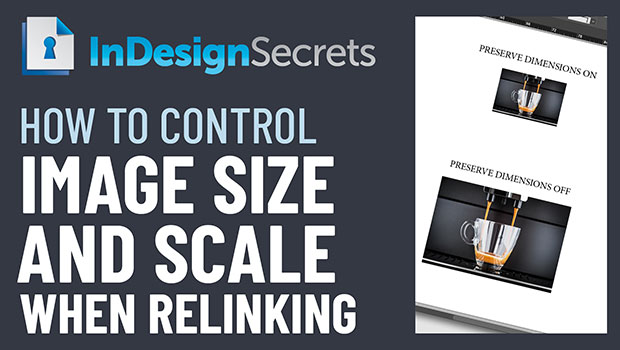
In this week’s InDesignSecrets video, Mike Rankin shows how InDesign handles the size and scale of images when relinking to a new version. If you need to maintain dimensions—or need the scale to remain—he explains where to set the preference for getting the right result.
Check out new tutorials every Tuesday on our InDesign Secrets YouTube channel, then join the discussion on our Facebook group!
This article was last modified on August 29, 2025
This article was first published on January 29, 2020
Commenting is easier and faster when you're logged in!

Recommended for you
A Closer Look at Obscure Features
Blink and you might miss these 20 obscure InDesign features worth knowing

How to Choose a Different Artboard in an AI File
Need to switch from one artboard to another in the same AI file? This simple tri...
Relinking Graphics: Tired of Navigating to the the Original Link Folder? Fix it!
Do you often have to relink images in your InDesign documents, only to have InDe...