




This website uses a horizontal image strip that anchors the design. It’s a beautifully restrained device that has several attributes not evident at a glance. This 20-page article from issue 50 of Before&After Magazine illustrates how images in a strip organize, focus and express — with unexpected versatility.

We’ll look at the many ways images are mixed, matched, cropped and arranged. The surprise is how much can be done in a simple strip.
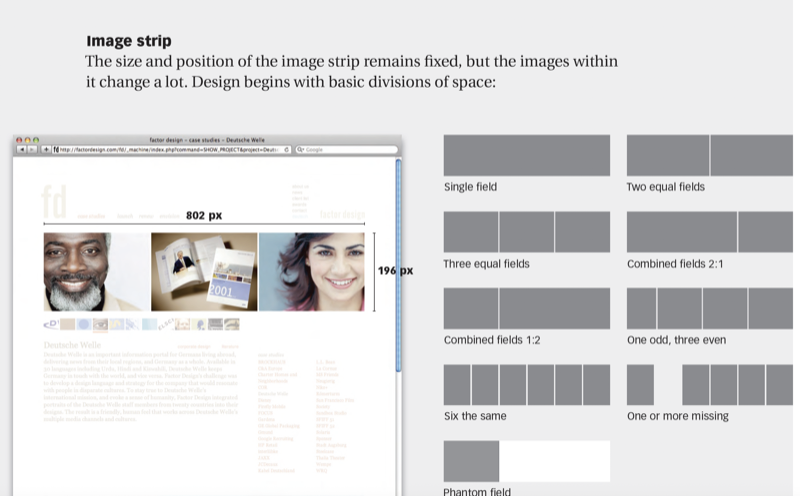
© John McWade/Before&After Magazine, courtesy of Gaye Anne McWade.
Commenting is easier and faster when you're logged in!

Recommended for you
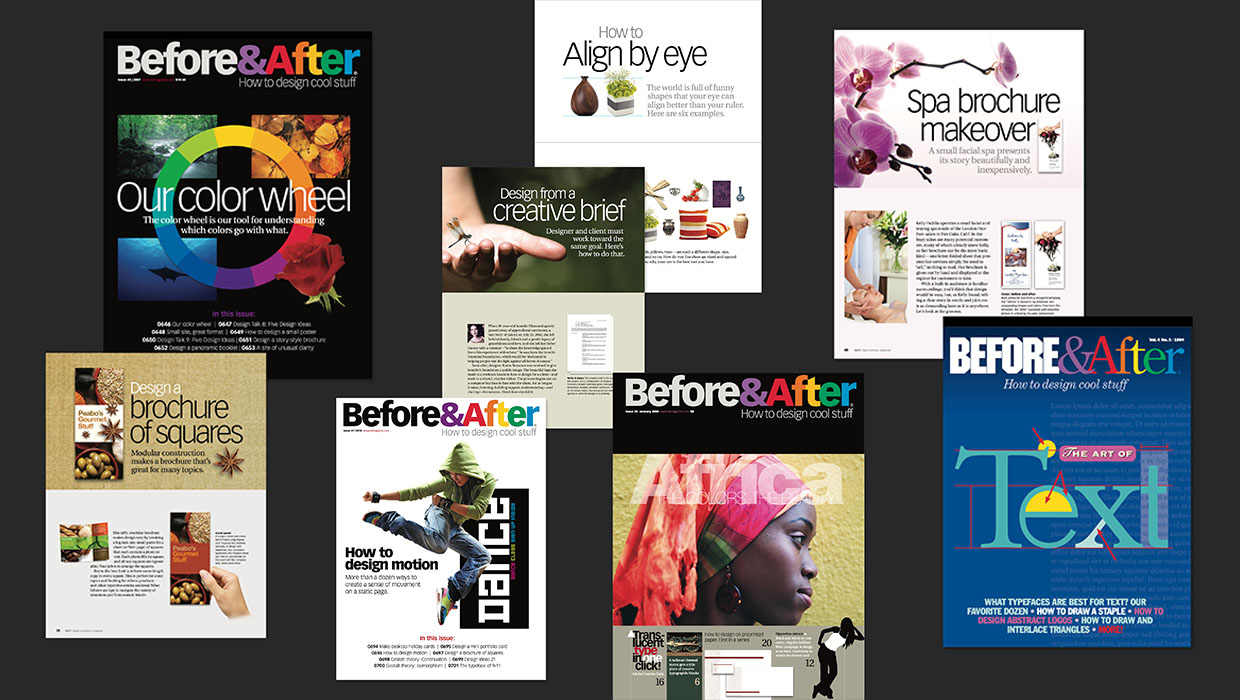
The Before & After Collection
John McWade’s treasury of design instruction finds a new home at CreativePro.
Before&After Design Tip: No Budget? In a Hurry? Think in Extremes.
To maximize speed and ease, go extreme

Before&After: Design a Wrap-Around Brochure
A skillfully worded flap on this brochure folds over that appealing face and bec...