


Get Many Images From One Original Photo
This 18-page article from issue 39 of Before&After Magazine shows you how to get several small images out of one large original.


Did you realize that big photos have small photos hidden in the details—a collar, a button, a necklace? So take advantage—slice an image and use it in pieces! This 18-page article from issue 39 of Before&After Magazine shows you how to get several small images out of one large original. [Download link above]

You can use these techniques to stretch your photo dollar and coordinate your layout, too.

© John McWade/Before & After Magazine, courtesy of Gaye Anne McWade.
Commenting is easier and faster when you're logged in!

Recommended for you
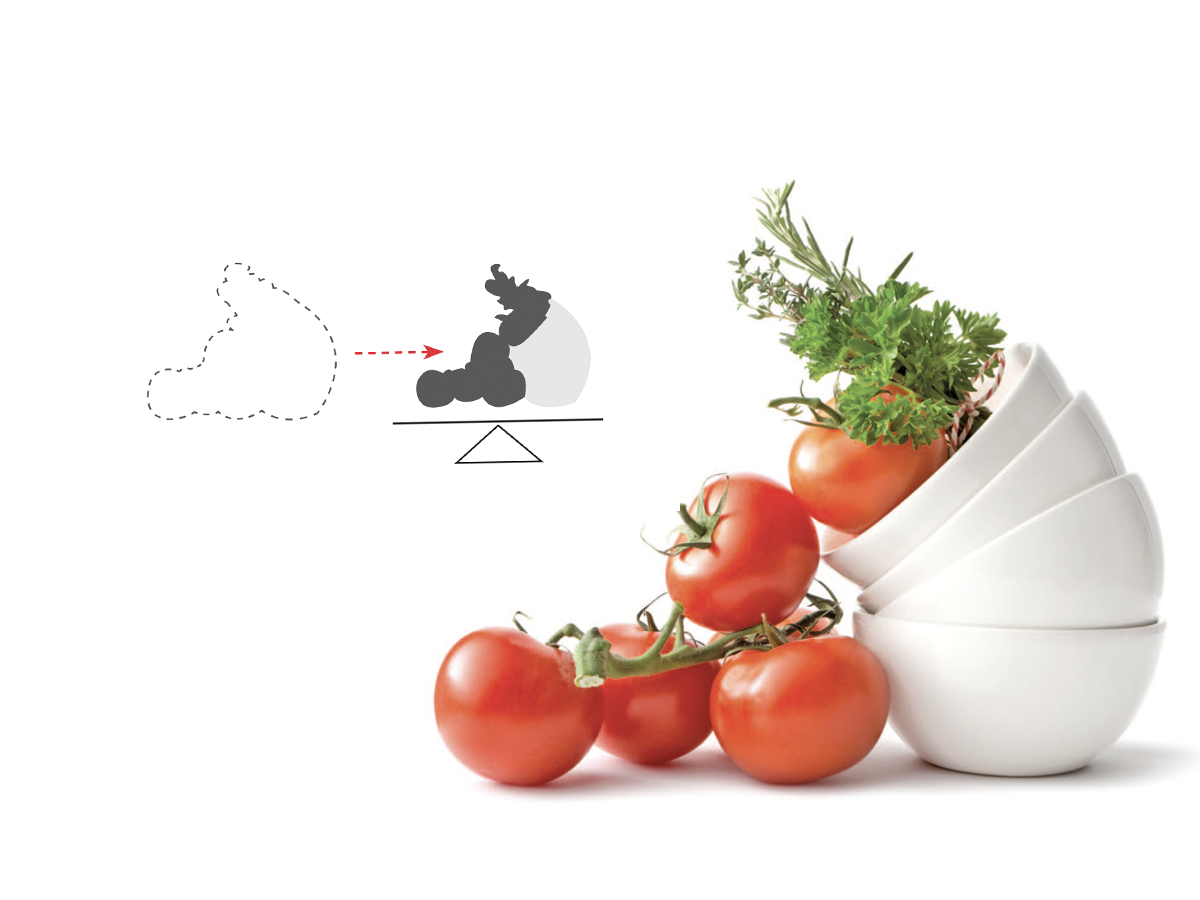
Before&After: Gestalt Theory: Equilibrium
Equilibrium gives your design elements rest, stability, and permanence.
Before&After: How to Align Images by Eye
How do you line up irrregularly shaped objects and size and space them just so?
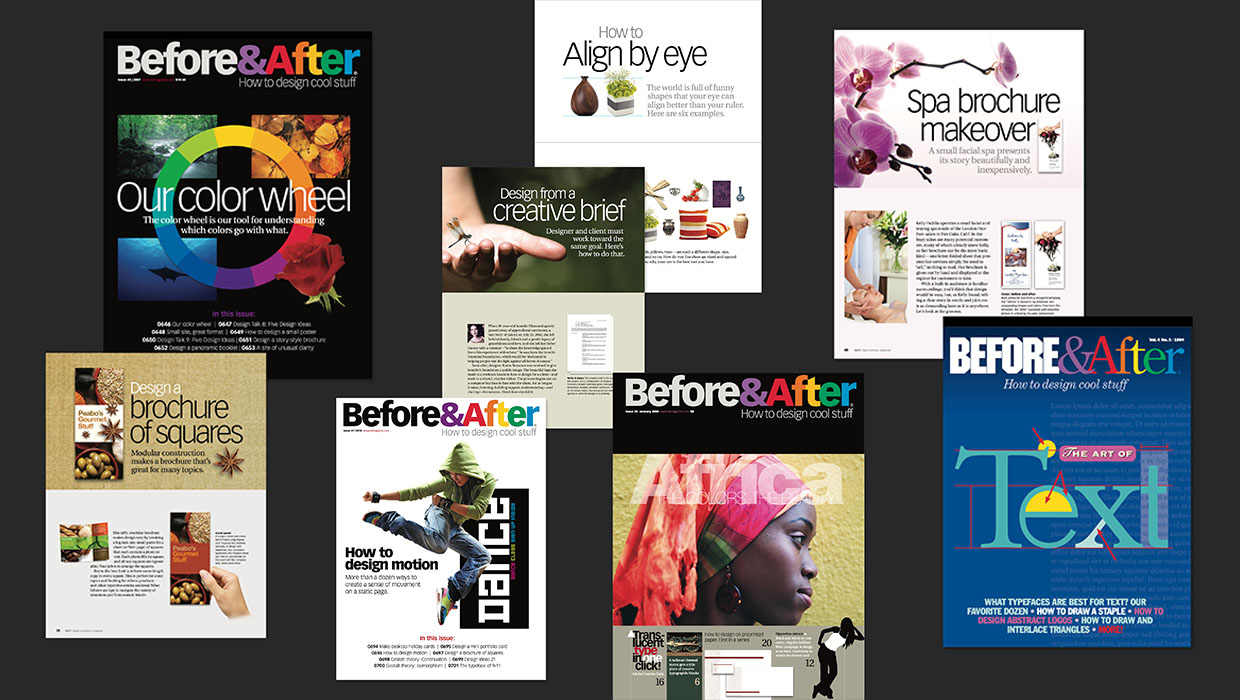
The Before & After Collection
John McWade’s treasury of design instruction finds a new home at CreativePro.