




We take a brochure and give its difficult subject—children’s mental health care—a sense of lightness and hope along with real clarity. Key to the makeover is a little butterfly that gave us a focal point, color, and continuity. This 21-page article from issue 43 of Before&After Magazine shows you how a butterfly graphic can brighten a gray brochure.
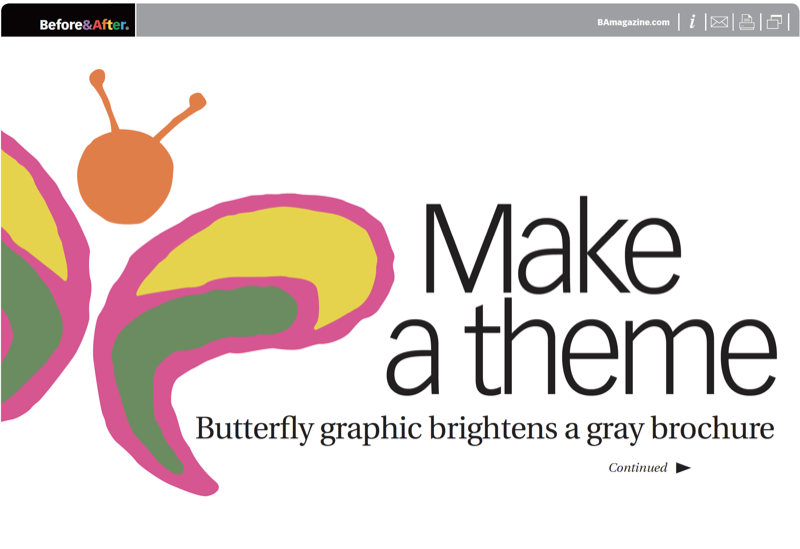
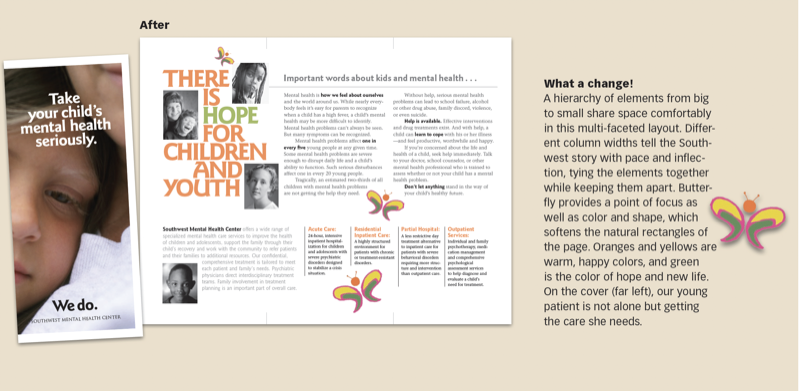
A theme is a color or shape or image that ties the elements of the brochure together by giving them a consistent— or repetitive—look and feel. In this case, the butterfly was duplicated and placed intermittently throughout the brochure, and its simple color palette was picked up in the headlines. Just as important as its visual properties are its message-making qualities; the butterfly is light, non-threatening and touchable, and its presence represents hope to those in the dungeons of mental illness.
© John McWade/Before&After Magazine, courtesy of Gaye Anne McWade.
Commenting is easier and faster when you're logged in!

Recommended for you

Before&After Design Tip: Don’t Trap the Space
Empty space surrounded by text and images can weaken your design.

Before&After: How to Use that Typeface
That font you just learned about won’t work just anywhere; it has a style that n...

Before&After: How to Design a Second Page
You've designed a beautiful outside. How do you follow it up inside? Simply.