


Members Only
Before&After Magazine Download: Swipe It!
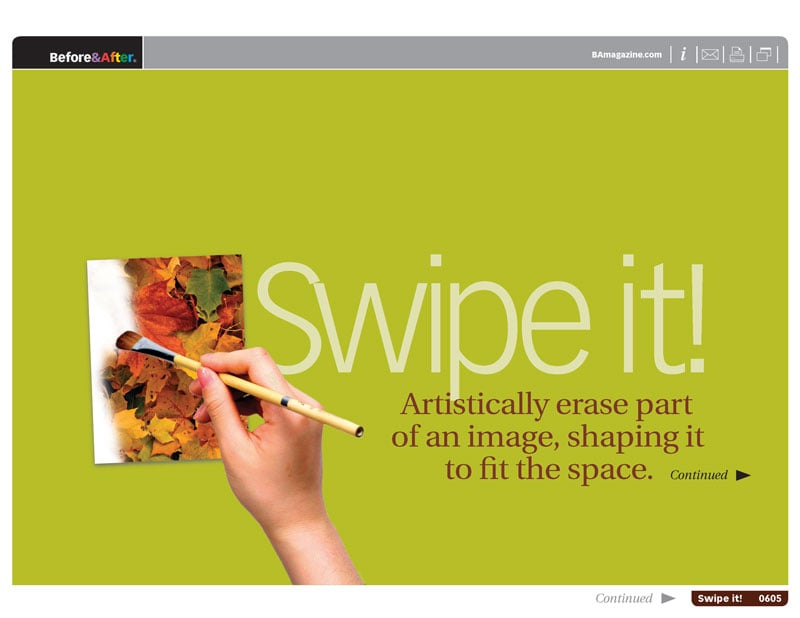
Artistically erase part of an image, shaping it to fit the space.


In this classic issue from Before&After Magazine you can learn how to artistically erase part of an image, shaping it to fit the space you have.
Techniques include:
- Shaping the interaction between type and image
- Solving problems with incompatible shapes
- Making photographic headlines
- Spotlighting products
Commenting is easier and faster when you're logged in!
Loading comments...

Recommended for you
Article
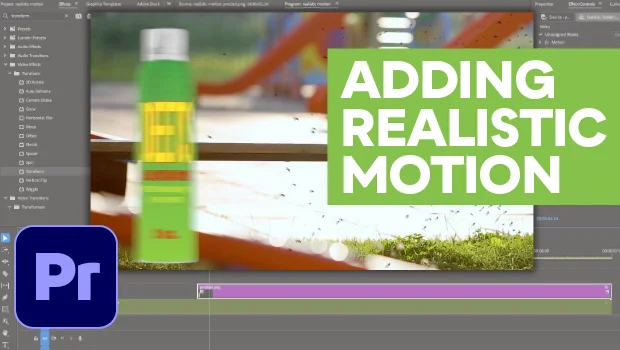
How to Make Motion Look Realistic in Premiere
Create a convincing animation in Premiere using the Transform effect.

Article
Filtered File > Open Dialog Box
Here's a way to filter file types in your Open File dialog box.

Article
Free Webinar: InDesign Fixes for When Things Go Wrong
Learn practical troubleshooting techniques to diagnose InDesign problems, fix th...