



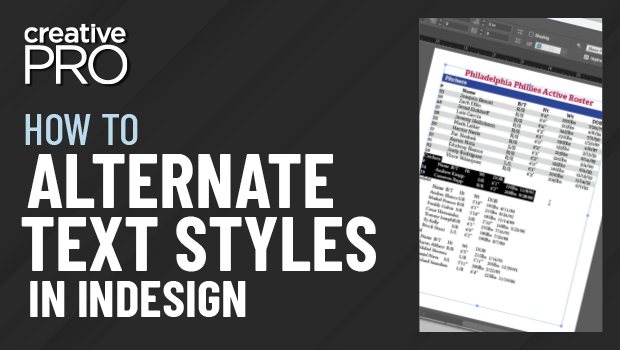
In this “Three Minutes Max” video, Chad Chelius shows how to create an alternating pattern paragraph style on InDesign text. Using the Next Style feature, he demos how to make a “vicious loop” to create the alternate styles.
Three Minutes Max comes from a fun—yet very competitive—session at our annual CreativePro Week conference. Speakers have three minutes (max!) to wow the audience with the tip and win a prize for a lucky conference attendee.
This article was last modified on August 29, 2025
This article was first published on January 15, 2020
Commenting is easier and faster when you're logged in!

Recommended for you
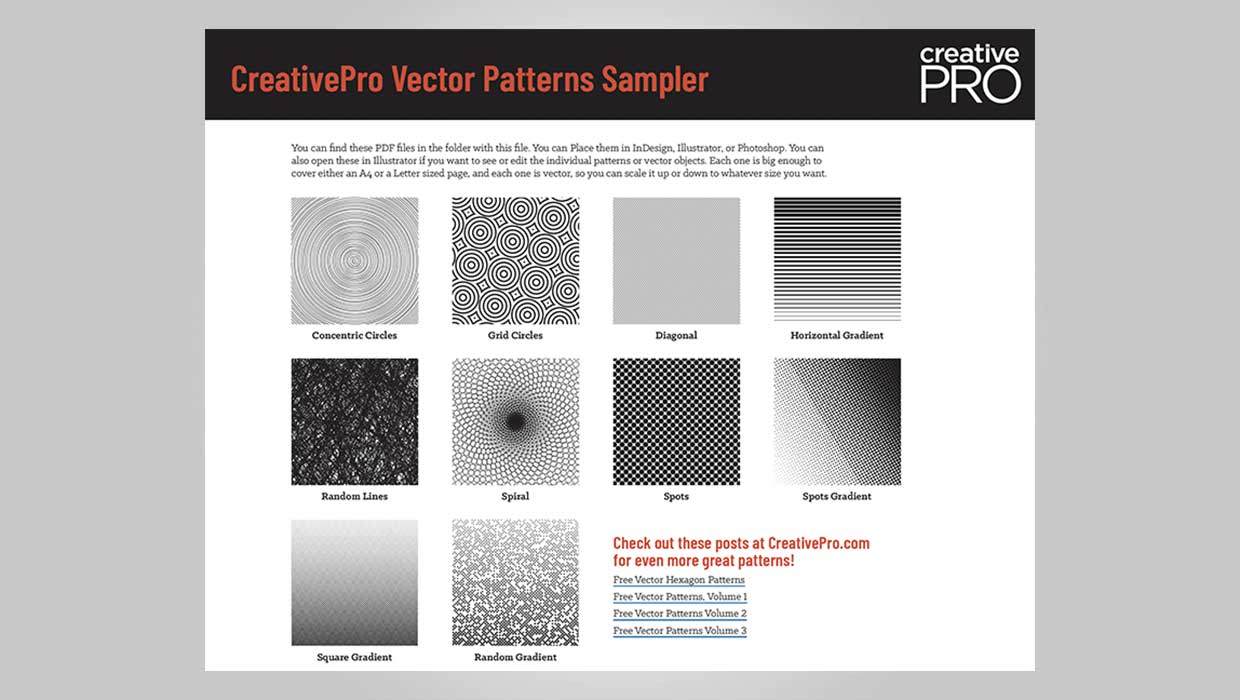
Downloadable: Vector Patterns
61 scalable patterns that you can use in InDesign, Illustrator, or Photoshop

How to Create Better Block Shadows in Illustrator
Learn a better way to create the most efficient long block shadows in Illustrato...

Add Character to Illustrator Artwork with Brushes
Improve on your artwork’s basic appearance with a few simple steps.