



For an experienced user, fixing overset text is so simple that we overlook it, but for a new user, overset text can be quite a conundrum. So I wanted to share with you several different ways to fix overset text.
To fix Overset Text Manually

To Fix Overset Semi-Automatically
- Click on the red box in the lower right of the text frame.
- Then go to (or make a new) page and Shift + Click on the top left corner of the margin area.
Note: You can make a new page after the current page by pressing shift + Ctrl + P.
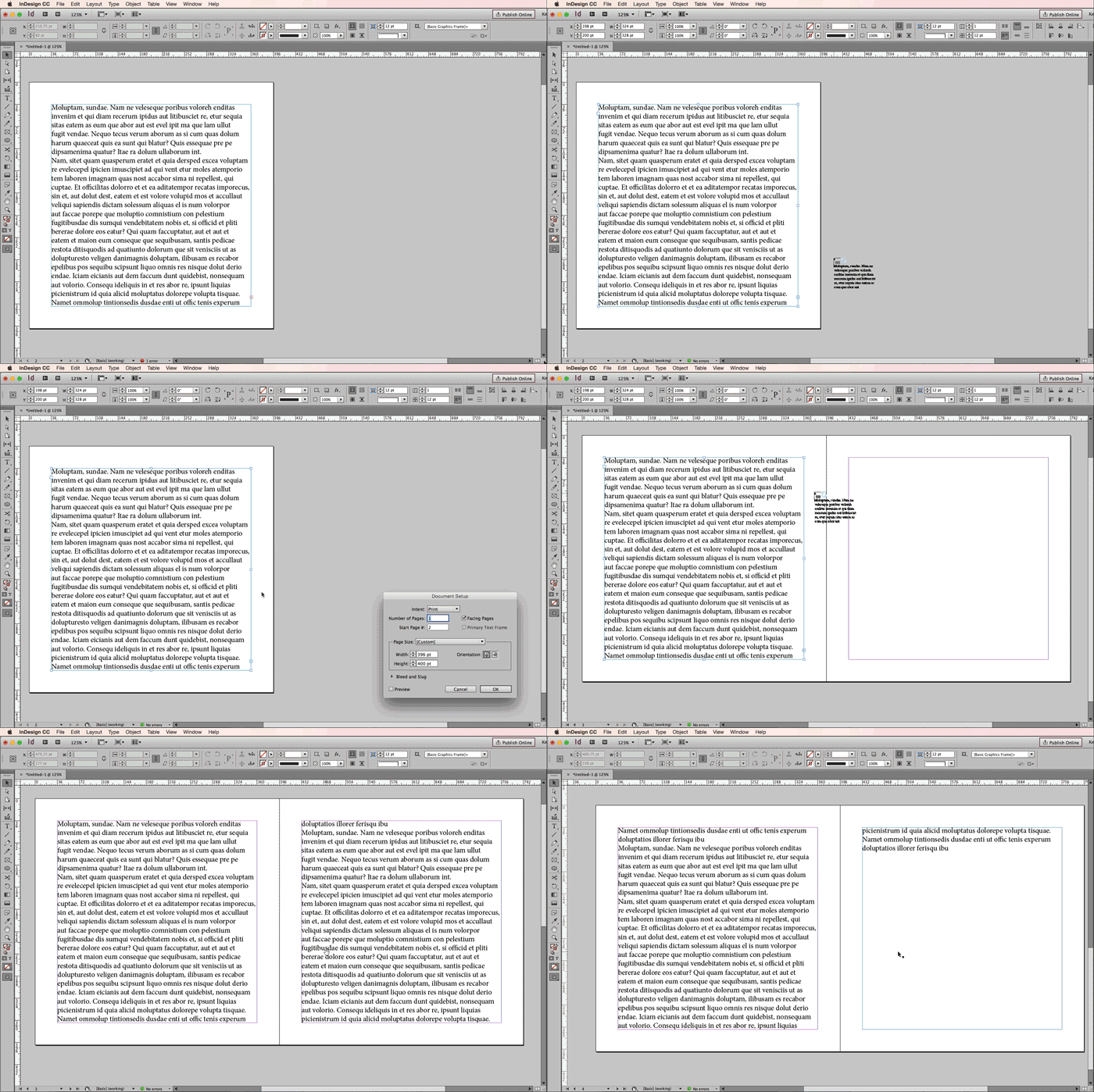
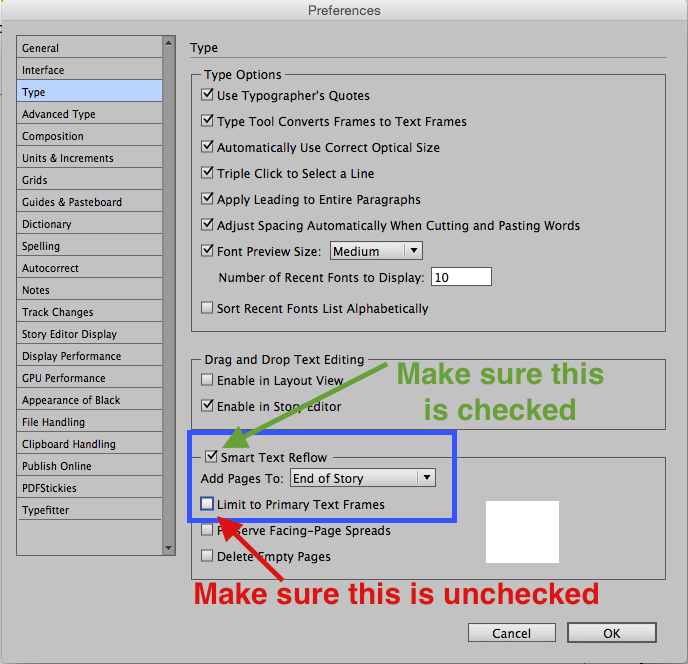
To fix overset fully automatically
Using Text Frame Options to Automatically Reveal Overset Text
Steve Werner write a great article several years ago explaining how to allow your frames to resize with your text. It involves setting the text frame options to Auto-Resize. This is a great trick for sidebars and other small text frames that have a variable height (or width) that is dependent upon the amount of content.


Fixing Overset Text in Tables
Ten years ago, Anne Marie wrote a post about revealing and fixing overset text in tables. The trick is to have the cell height setting set to “At Least.” Though the post is old, the information is still completely applicable today.

Understanding Overset Text in Table Cells
Table cells have their own overset text symbol, and where it’s located in the cell will determine how you need to adjust the size of the table cells. I wrote an article about that here.

Do you still have issues with overset text? If so, leave a comment here!
This article was last modified on May 8, 2025
This article was first published on October 3, 2016
Commenting is easier and faster when you're logged in!

Recommended for you

Backing Up Your CC Libraries
Back up your Creative Cloud Libraries to keep linked assets safe when archiving...

Create an Automatic List Inside a Paragraph
Create automatic numbered or lettered lists inside an InDesign paragraph with th...

A Script to Rotate Objects in InDesign with an Object Style
If you were to ask me how to use an object style to rotate objects in InDesign,...