




This tip was sent to Tip of the Week email subscribers on June 26, 2014.

Sign up now and every week you’ll get a new InDesign Tip of the Week and Keyboard Shortcut of the Week, along with roundups of new articles at InDesignSecrets and CreativePro, plus exclusive deals sent right to your Inbox!
Just scroll all the way down to the bottom of this page, enter your email address, and click Go! We’ll take care of the rest. Now, on with the tip!
Have you ever had that moment of doubt as to which direction InDesign’s rotation angle is going to move your object? Are positive numbers clockwise or counter-clockwise?
I can’t remember myself, but there’s a little cheat that helps me look smart in front of a class. Just take a quick peek at the Rotation tool in the Tools panel. Notice that it indicates a counter-clockwise direction.
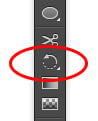
That’s your clue that positive numbers rotate objects counter-clockwise.
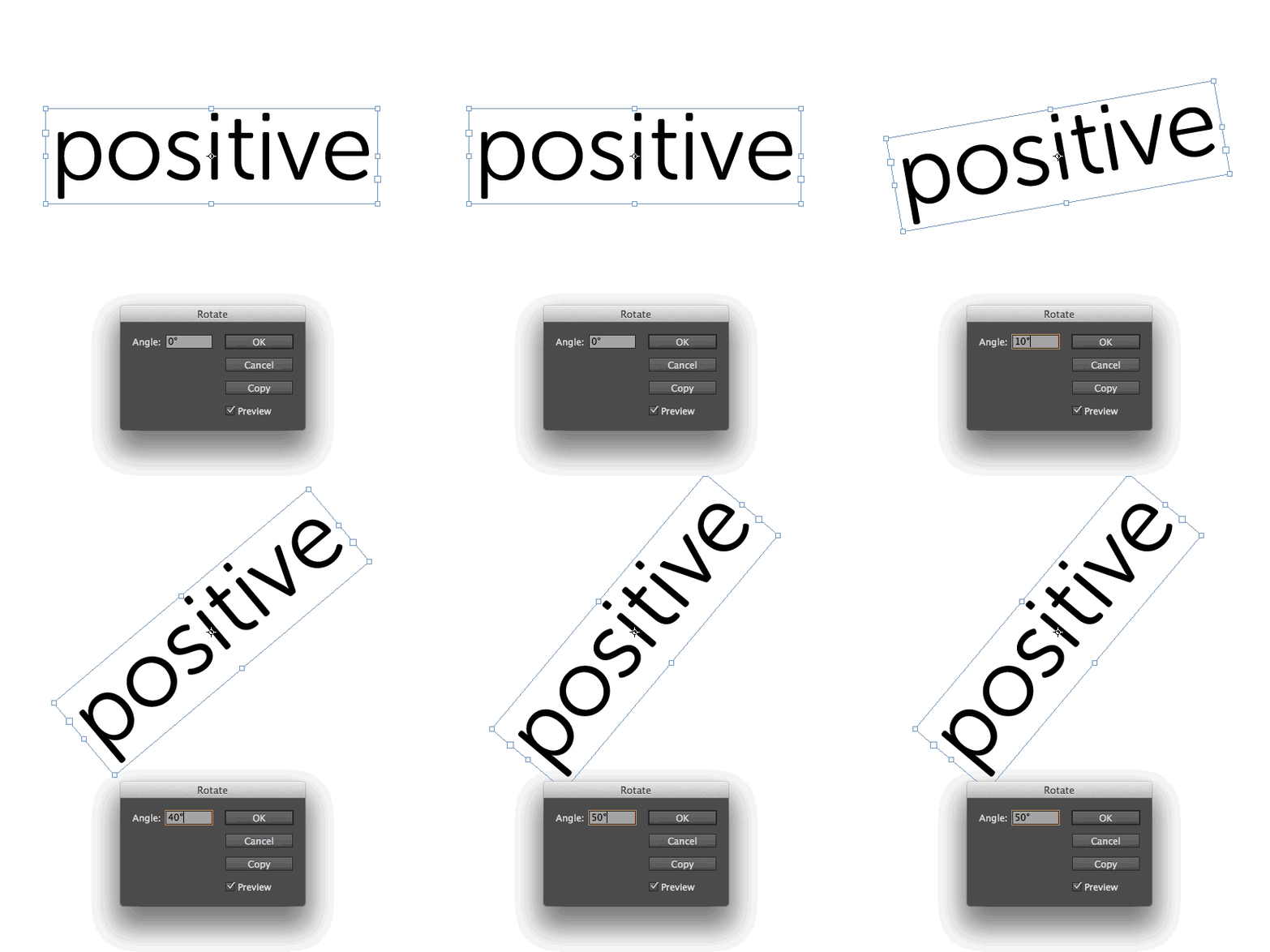
Negative numbers go clockwise.

This half-second glance saves me a lot of undos.
This article was last modified on December 30, 2021
This article was first published on July 1, 2014
Commenting is easier and faster when you're logged in!

Recommended for you

CreativePro Tip of the Week: Photoshop Blend Mode Shortcuts
This CreativePro Tip of the Week for Photoshop blend mode shortcuts was sent to...
Tip of the Week: Choosing the Right Folder for Relinking
This tip was sent to Tip of the Week email subscribers on May 7, 2015. Sign up n...

CreativePro Tip of the Week: Decoding Illustrator’s Target Icons
This CreativePro Tip of the Week on deciding Adobe Illustrator’s Target Ic...