



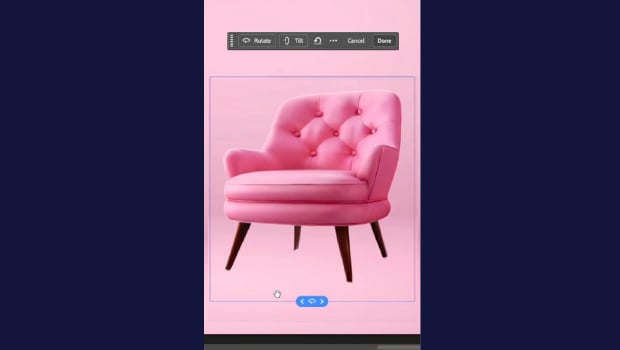
In this short Photoshop how-to video, Khara Plicanic demonstrates how to take a flat, 2D image and rotate it in 3D using the new Rotate Object option from the Contextual Taskbar.
Subscribe to the CreativePro YouTube channel for more helpful design tips!
This article was last modified on June 15, 2026
This article was first published on June 15, 2026
Commenting is easier and faster when you're logged in!

Recommended for you

Tip of the Week: Rotate the Spread View With a Gesture
This tip was sent to Tip of the Week email subscribers on September 3, 2015...

Tip of the Week: Rotation–Clockwise or Counter-clockwise?
This tip was sent to Tip of the Week email subscribers on June 26, 2014. Sign up...