



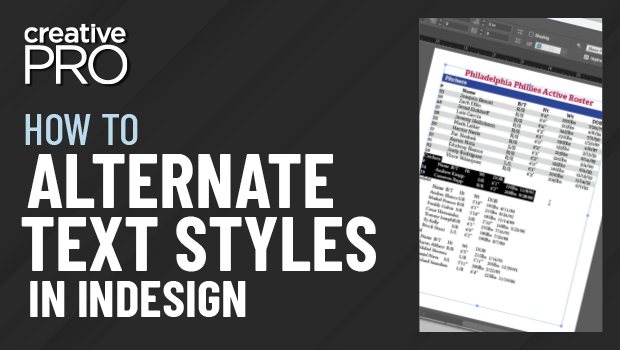
In this “Three Minutes Max” video, Chad Chelius shows how to create an alternating pattern paragraph style on InDesign text. Using the Next Style feature, he demos how to make a “vicious loop” to create the alternate styles.
Three Minutes Max comes from a fun—yet very competitive—session at our annual CreativePro Week conference. Speakers have three minutes (max!) to wow the audience with the tip and win a prize for a lucky conference attendee.
This article was last modified on August 29, 2025
This article was first published on January 15, 2020
Commenting is easier and faster when you're logged in!

Recommended for you

CreativePro Video: Using InDesign’s Shortcuts in Microsoft Word
In this week’s CreativePro video, Anne-Marie Concepción shows how to set up Micr...

Building a 3D Scene
When you want to recreate an iconic image with photorealism it’s time to round u...

Book Excerpt: Creating and Exporting Content for Web and Mobile Projects with Illustrator
The following excerpt was taken from Learn Adobe Illustrator CC for Graphic Desi...