



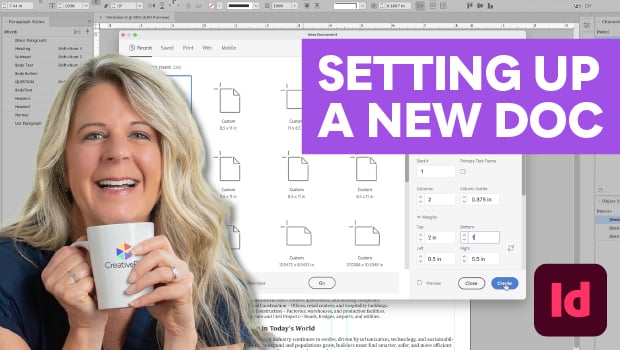
In this InDesign how-to video, Laurie Ruhlin shows two game-changing tips for setting up new documents from scratch. She demonstrates why using the default guides can lead to messy layouts and how to instead use the New Document dialog box to set margins and columns correctly, making it easy to make changes later.
Subscribe to the CreativePro YouTube channel for more helpful design tips!
This article was last modified on July 15, 2026
This article was first published on May 20, 2026
Commenting is easier and faster when you're logged in!

Recommended for you

How to Change the Default New Document Preset in InDesign
Learn how to customize the New Default Document preset in InDesign CC 2019
Tip of the Week: Keyboard Shortcuts for Document Presets
This tip was sent to Tip of the Week email subscribers on August 13, 2015. Sign...

How to Convert from Print to Web Intent in InDesign CS5
The New Document dialog box lets you choose Intent, but how to change it after t...