
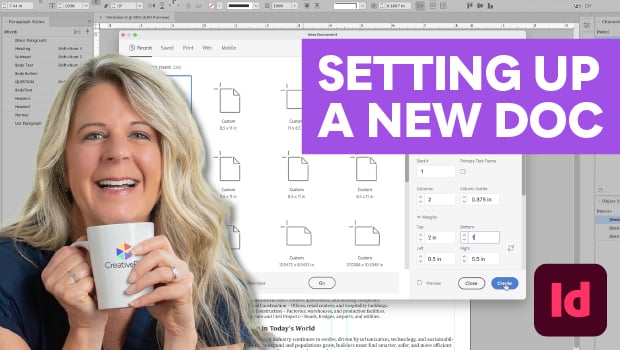
In this InDesign how-to video, Laurie Ruhlin shows two game-changing tips for setting up new documents from scratch. She demonstrates why using the default guides can lead to messy layouts and how to instead use the New Document dialog box to set margins and columns correctly, making it easy to make changes later.
Subscribe to the CreativePro YouTube channel for more helpful design tips!
This article was last modified on July 15, 2026
This article was first published on May 20, 2026
Commenting is easier and faster when you're logged in!

Recommended for you

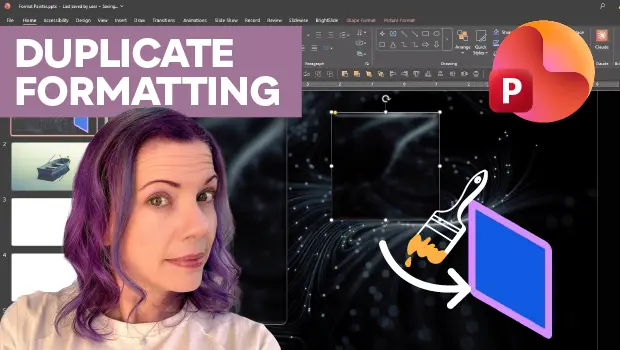
Duplicate Formatting with These PowerPoint Tools
Use the Format or Animation Painters to apply styles with a single click!