




Creative professionals have been riding the Generative AI wave for a few years now, yet the pace of change hasn’t slowed down—it’s accelerated. In 2026, we aren’t just asking “what is AI?” anymore; we’re asking “how do I make it work for my workflow?”
To answer that, CreativePro has curated an incredible two-day event featuring the industry’s leading voices. The Design + AI Summit 2026 Part 1 is coming to your screens April 9-10, 2026. If you’re looking to cut through the noise and get to the real-world applications, this is the event for you. Here are my top five picks from the agenda.
Where AI Stands Right Now for Creative Pros

If you feel like you’re trying to drink from a firehose, you aren’t alone. Between constant software updates and loud marketing claims, finding the “needle in the haystack of hype” is a full-time job. That’s why I’m looking forward to Amy Balliett’s session. She’s going to help us establish a shared language and clarify where AI is delivering real value versus where we still need to exercise caution. It’s the perfect “state of the union” for any creative professional trying to stay oriented in 2026.
Photoshop AI for Real-World Production Work

We all know Jesús Ramirez as a Photoshop wizard, but what I love about his approach is his focus on production. This project-based session isn’t just about making cool-looking art; it’s about high-quality results for professional projects. Jesús will dive into AI-powered selections, generative retouching, and complex compositing. If you want to know how to use AI to clean up images and match colors with professional precision, this session is non-negotiable.
Can AI Make Us More Creative?

There’s a lot of anxiety about AI replacing the human craft of design. Michael Flarup tackles this issue head-on by exploring how AI can support ideation and experimentation without taking the wheel. He’ll show us how to treat AI outputs as starting points—not finished answers—and how to keep our creative judgment at the center of the process. It’s a refreshing, designer-centered look at authorship in the age of automation.
Using AI in the InDesign Workflow
InDesign users often feel like the last ones invited to the AI party, but Angelo Montilla is here to show us that the party has finally started. This project-based session is incredibly practical, covering how to use AI for layout planning, color decisions, and even generating alt text for accessibility. If you’re looking for realistic ways to integrate these tools into your daily page-layout grind, Angelo has the roadmap.
AI for Vector Art: What Works Today
Vector art has always been a “final frontier” for AI because of the precision required for professional work. Monika Gause is the perfect person to guide us through what’s actually possible today. From Illustrator’s generative features to tools like Kittl and Illustroke, she’ll help us identify when AI vector generation is a time-saver and when traditional tools still reign supreme. Plus, we’ll get a look at emerging tech like Illustrator’s Turntable for rotating vector graphics. This is cutting-edge stuff you don’t want to miss.
Master the Future of Design
The Design + AI Summit is more than just a series of talks; it’s a toolkit for the modern designer. Each session is taught by experts who actually do the work, ensuring you walk away with skills you can use the very next Monday. Check out the full agenda and join us April 9–10.
CreativePro members: Don’t forget to use your discount code found on the Member Benefits page!
This article was last modified on March 20, 2026
This article was first published on March 20, 2026
Commenting is easier and faster when you're logged in!

Recommended for you
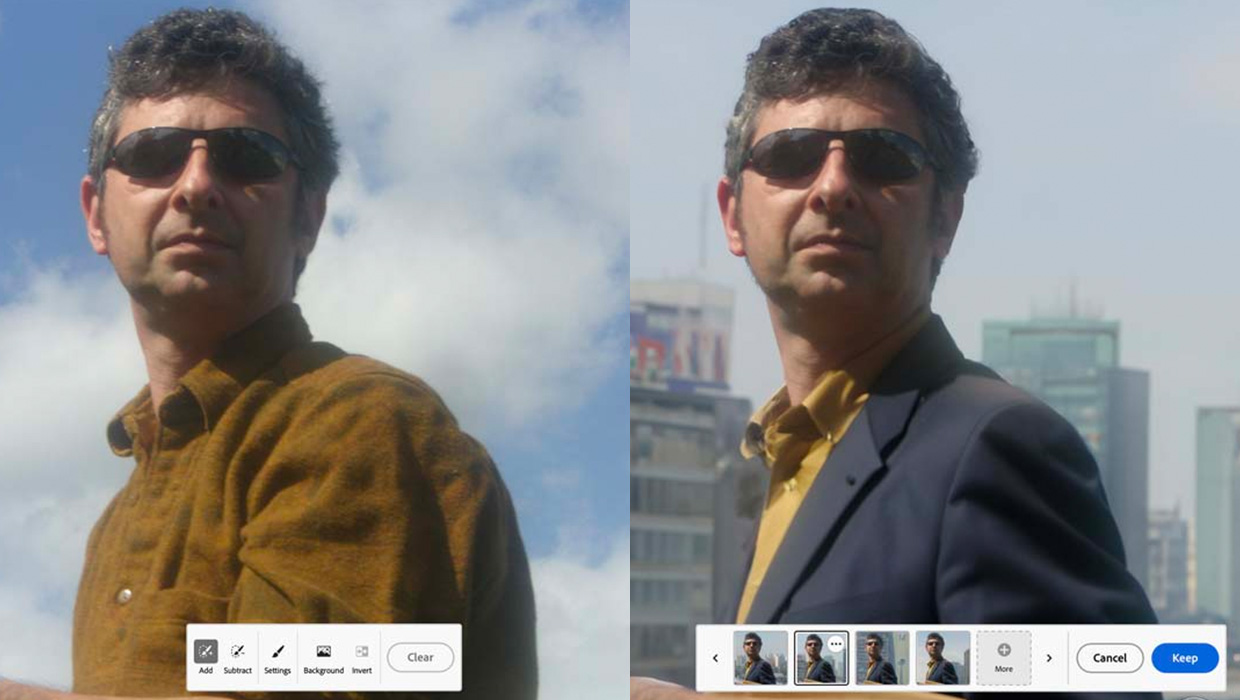
Using Generative Fill in Photoshop
A first look at the new Generative AI Fill features coming to Adobe Photoshop
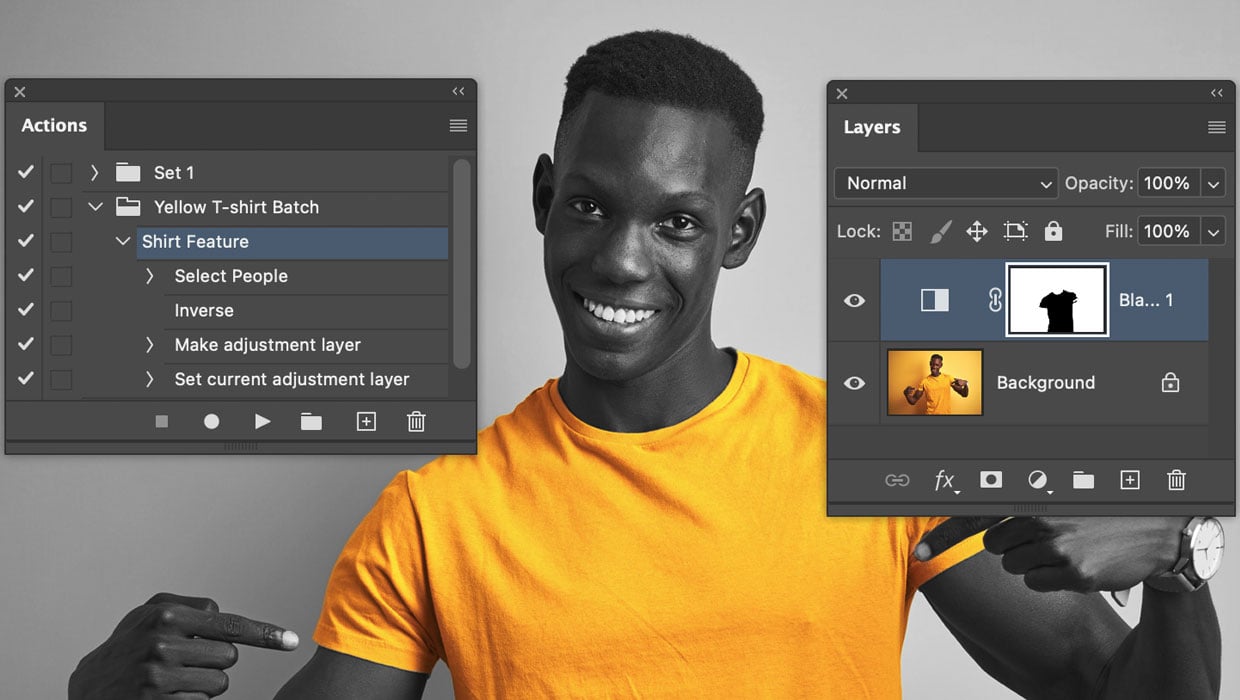
Batch Processing Images with AI-Powered Actions in Photoshop
Here’s how to automate edits in Photoshop by combining the Object Selectio...

Don’t Ask Your AI to Identify a Font
When it comes to identifying typefaces in images, artificial intelligence isn't...