


Create a Pantone Swatch in Illustrator
Make your own Pantone Swatch colors in Illustrator with Theresa Jackson.

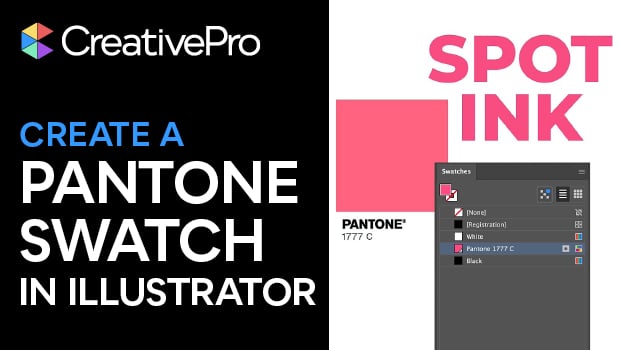
In this Illustrator how-to video, Theresa Jackson mourns the loss of Pantone swatches in Adobe software — but also shows you how to create your own! Starting with Pantone’s color finder tool, Theresa finds her chosen color and then she tracks down the RGB color values. Back in Illustrator, she demonstrates how to input the color into the Swatch panel.
Subscribe to the CreativePro YouTube channel for more helpful design tips!
This article was last modified on February 6, 2026
This article was first published on February 6, 2026
Commenting is easier and faster when you're logged in!

Recommended for you

How to Create a Bleed in Illustrator
Printing your Illustrator document? You need a bleed! Khara Plicinic shows how t...
How to Make an Abstract Mosaic From a Photo in Illustrator
Learn how to create an abstract mosaic image from a photo in Illustrator with a...

How to Create Better Block Shadows in Illustrator
Learn a better way to create the most efficient long block shadows in Illustrato...