



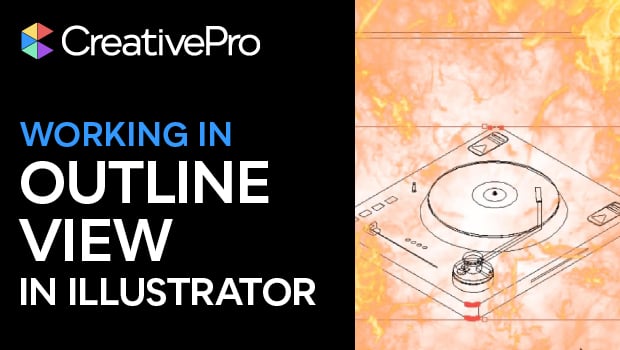
In this short video, Khara Plicanic shows you how to “X-ray” your artwork with Outline View in Illustrator to catch hidden mistakes. When you want to see just your artwork’s paths—no fills, frills, or effects—work in this distraction free mode.
Subscribe to the CreativePro YouTube channel for more helpful design tips!
This article was last modified on November 6, 2025
This article was first published on November 7, 2025
Commenting is easier and faster when you're logged in!

Recommended for you
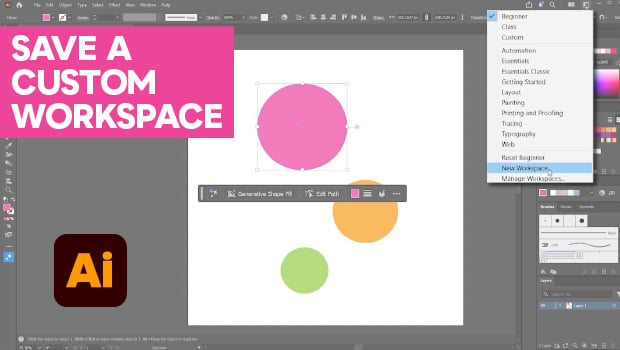
How to Make Illustrator More User Friendly
Set up your own custom workspace with Kat Kremser.

CreativePro Week 2026 Preview: 5 Pixel-Perfect Photoshop and Illustrator Sessions
Our Editor in Chief lists his must-see Photoshop and Illustrator sessions at Cre...
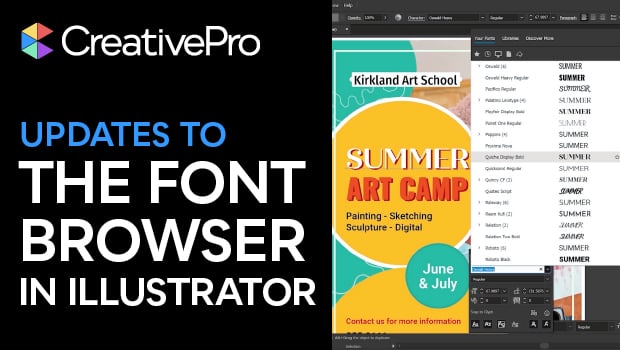
New Font Browser Features in Illustrator
Explore the new features added to the Font Browser in Illustrator 2026.