



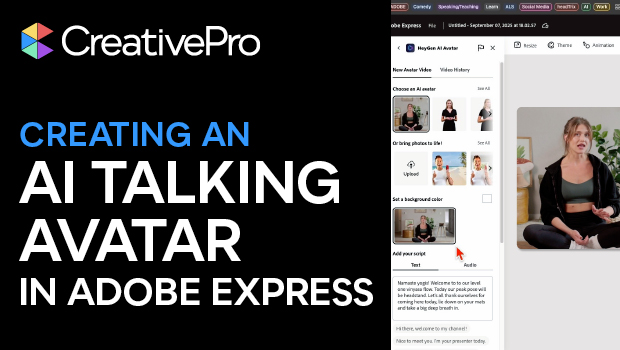
In this AI how-to video, Mark Itskowitch shares a way to take a static image and bring it to life as a talking avatar in video form. Mark uses the tool “HeyGen,” an add-on incorporated into Adobe Express. With HeyGen, you can select your avatar or upload your own, give it a script, and choose a voice all in your web browser.
This video is a sneak peek of Mark’s upcoming Design + AI Summit 2025 session, Bring Photos to Life with AI. To learn more about this event and see the full agenda, click here.
Subscribe to the CreativePro YouTube channel for more helpful design tips!
This article was last modified on September 18, 2025
This article was first published on September 18, 2025
Commenting is easier and faster when you're logged in!

Recommended for you

How to Customize Vector Stock Artwork in Illustrator
Transform pre-made art into a rich illustration that will delight your clients.

Fontlab Ltd. Announces the Release of TransType Pro — Universal Font Converter with OpenType Support
Fontlab Ltd., the leading developer of digital typography tools, announced today...
dot-font: Czech Mates
dot-font was a collection of short articles written by editor and typographer Jo...