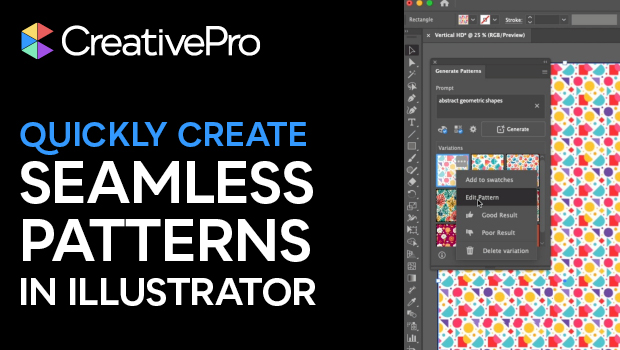
In this short Illustrator video, Khara Plicanic shows how to create a seamless pattern using built-in AI. She then makes edits to the vector shapes themselves.
Subscribe to the CreativePro YouTube channel for more helpful design tips!
This article was last modified on October 3, 2025
This article was first published on September 17, 2025
Commenting is easier and faster when you're logged in!
Loading comments...

Recommended for you

Article
Pattern diversions
How to make some interesting and fun "sunburst" style patterns with a few clicks...