




In this PowerPoint how-to video, Stephy Hogan shows us her “cookie cutter” method for converting live text to outlines. After creating her text, Stephy covers it with a shape in the color she wants her final design to be. Then she uses the Intersect merge shape option to “cut out” her text.
Subscribe to the CreativePro YouTube channel for more helpful design tips!
This article was last modified on October 30, 2025
This article was first published on July 18, 2025
Commenting is easier and faster when you're logged in!

Recommended for you

How to Easily Update Excel Charts Placed in InDesign
Nolan Haims shows how to modify an Excel chart and have it update in InDesign… a...
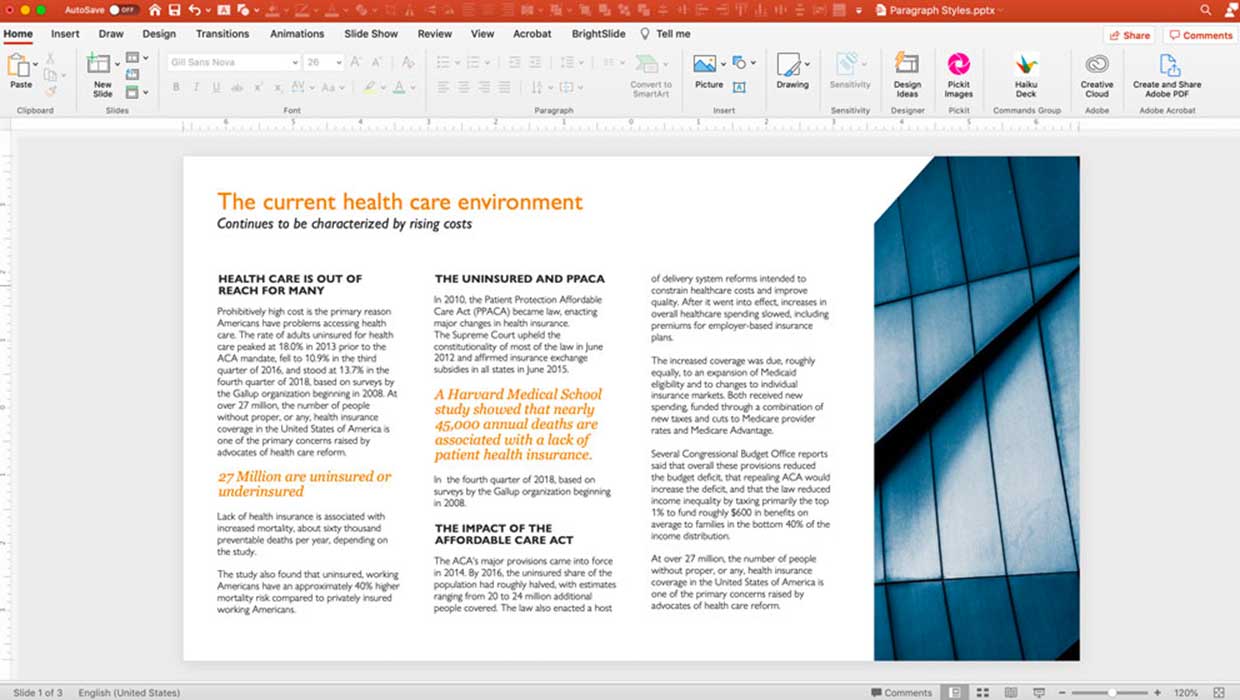
Creating Paragraph Styles in PowerPoint
Learn how to create text styles in PowerPoint that can be applied, edited, and g...

How to Send InDesign Files to PowerPoint and Keep Editability
Discover how you can migrate your InDesign content over to an editable PowerPoin...