



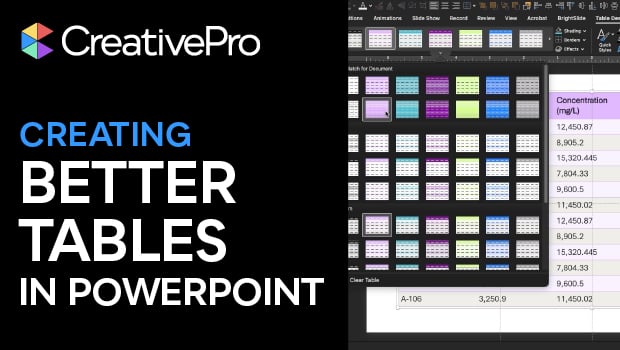
In this PowerPoint how-to video, Stephy Hogan shares her method for making better-looking tables. She starts with one of PowerPoint’s automatically-generated table styles, then demonstrates different banding options and alignment tricks. Finally, she covers something you can’t do in PowerPoint: preformatting your table placeholder.
Subscribe to the CreativePro YouTube channel for more helpful design tips!
This article was last modified on January 23, 2026
This article was first published on January 23, 2026
Commenting is easier and faster when you're logged in!

Recommended for you

Editor’s Picks for The Presentation Design Conference 2026
Our Editor in Chief lists his five must-see sessions at The Presentation Design...
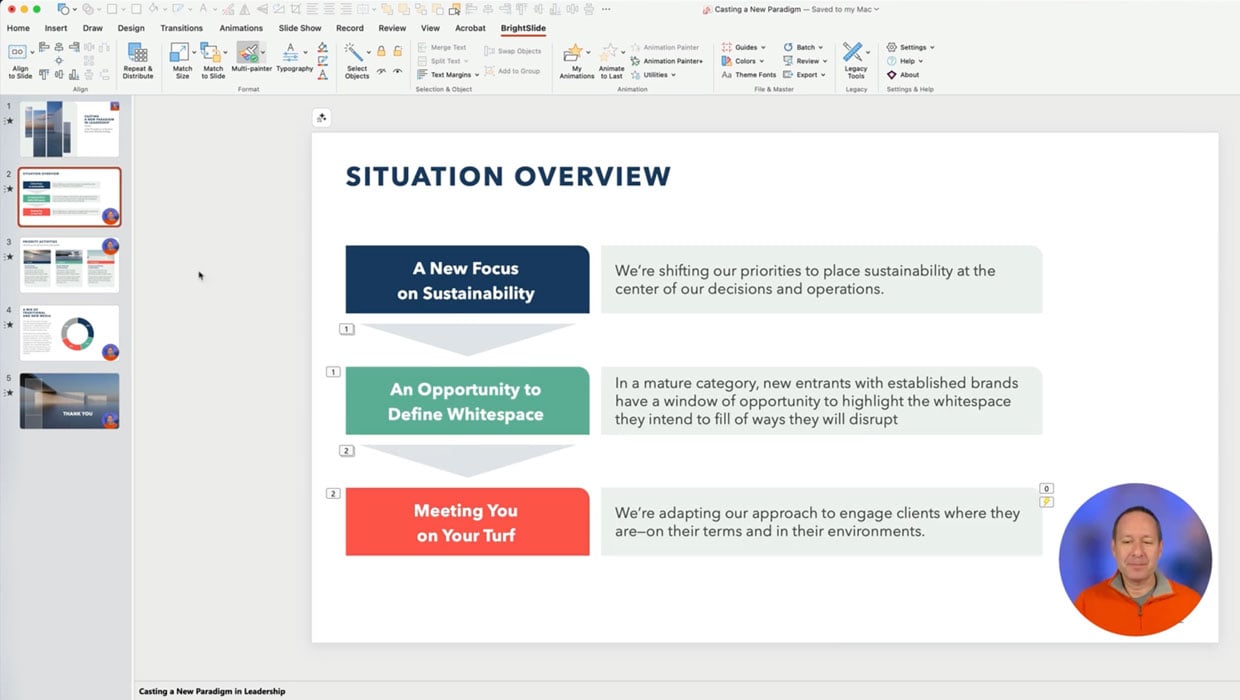
Members-Only Video: Using the Built-in Recording Tools in PowerPoint
Learn how to record your PowerPoint presentation so it can be played back later...
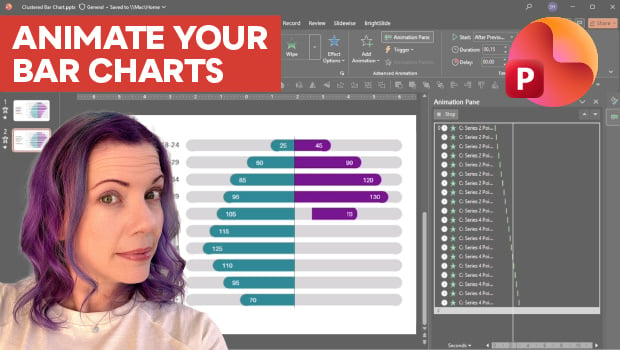
Animate a Waterfall Effect on a PowerPoint Bar Chart
Stephy Hogan is back with another eye-catching animated chart design.