



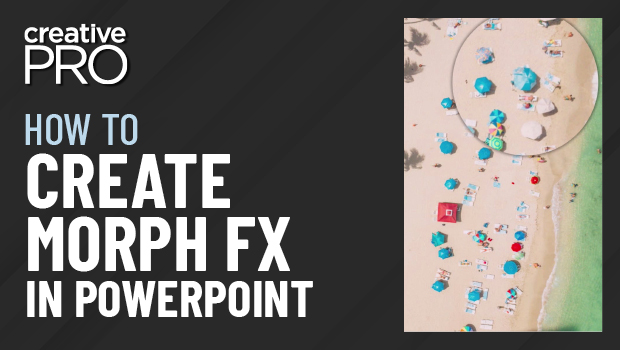
In this “Three Minutes Max” video, Richard Goring demos how to create a magnifying glass effect in PowerPoint using the Morph transition. He also shows off a couple of dynamic effects using this transition to bring animated visual interest to your slide presentations.
Three Minutes Max comes from a fun—yet very competitive—session featured at many of our conferences and events. Speakers have three minutes (max!) to wow the audience with the tip and win a prize for a lucky conference attendee.
This article was last modified on August 29, 2025
This article was first published on September 27, 2022
Commenting is easier and faster when you're logged in!

Recommended for you

CreativePro Video: How Presentation Designers Highlight Text
In this video, Nolan Haims shows a couple of tricks to highlight important text...

Live Subtitles and Real-time Translation in PowerPoint
Learn about a game-changing PowerPoint feature that offers your presentation aud...

How to Export Animated Charts from PowerPoint for Use in Video
Learn how to export animated charts from PowerPoint so that you can use them in...