



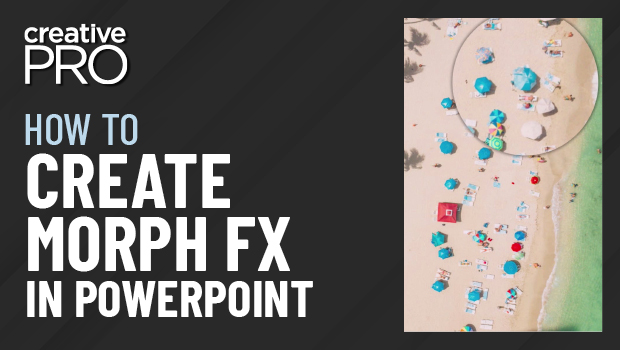
In this “Three Minutes Max” video, Richard Goring demos how to create a magnifying glass effect in PowerPoint using the Morph transition. He also shows off a couple of dynamic effects using this transition to bring animated visual interest to your slide presentations.
Three Minutes Max comes from a fun—yet very competitive—session featured at many of our conferences and events. Speakers have three minutes (max!) to wow the audience with the tip and win a prize for a lucky conference attendee.
This article was last modified on August 29, 2025
This article was first published on September 27, 2022
Commenting is easier and faster when you're logged in!

Recommended for you

The Six Keys to Avoiding a PowerPoint Disaster
Learn the causes of bad presentation design and the solutions
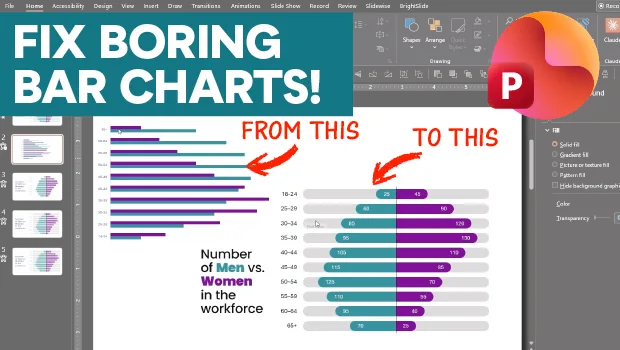
Making Beautiful Bar Charts in PowerPoint
This mirrored, clustered bar chart is sure to catch your eye!
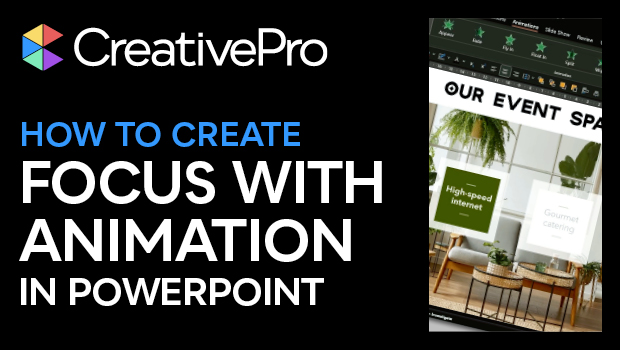
How to Create Focus with Animation in PowerPoint
Learn how to create focus on a topic or bullet point by creating simple fade-in...