




In this Illustrator how-to video, Dave Clayton shows off a third-party tool for creating long block shadows in Illustrator. Using the Block Shadow add-on from Astute Graphics, he creates the effect quicker that using the built-in tools and ends up with cleaner, more streamlined finished artwork.
This is a preview of Dave’s upcoming session at The Adobe Illustrator Summit, coming to a device near you September 22–23, 2022. This two-day online event will help you create better, produce faster, and finish more accurately. See the agenda and register now.
This article was last modified on August 29, 2025
This article was first published on August 26, 2022
Commenting is easier and faster when you're logged in!

Recommended for you

From Paper to PDF: Vectorizing Hand-Drawn Artwork with Photoshop and Illustrator
I have a close friend, Mike Manoogian, who is a brilliant lettering and logo des...

Using Illustrator’s Paintbrush Tool
Go beyond simple paths and transform your artwork with this powerful tool
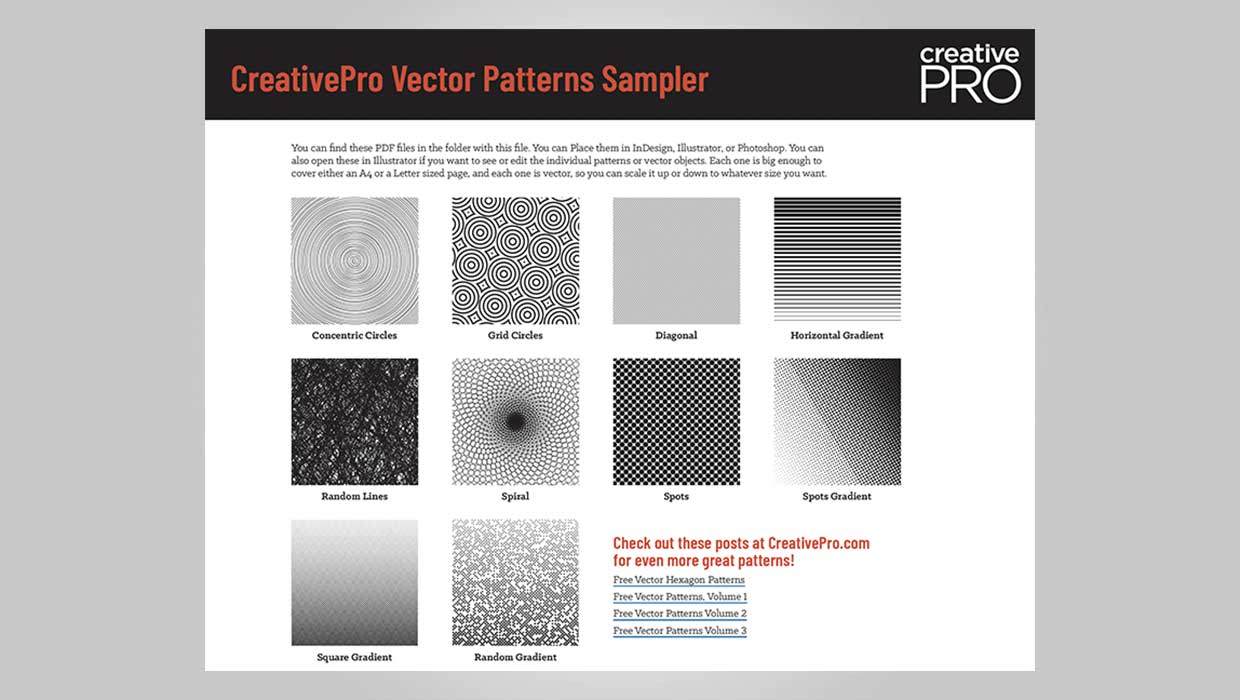
Downloadable: Vector Patterns
61 scalable patterns that you can use in InDesign, Illustrator, or Photoshop