



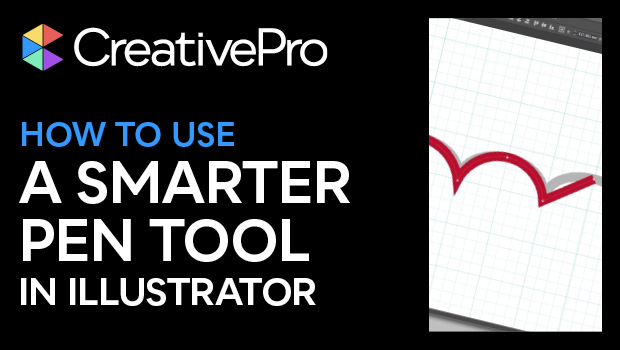
In this Illustrator video, Tony Harmer shows off a better way to draw designs with curves. Instead of hobbling along with the Pen tool, he demonstrates how the Curvature Pen tool creates perfect curves between points. And the paths are just as editable, no matter which tool was used to create them.
This tutorial was taken from Tony’s “Illustrator Power Tips” session at our 2021 Adobe Illustrator Summit.
This article was last modified on August 29, 2025
This article was first published on January 20, 2022
Commenting is easier and faster when you're logged in!

Recommended for you
Live Paint in Illustrator
Illustrator’s Live Paint feature transforms the work of coloring graphics into p...

A Script to Make Vector Drawing Easier in InDesign
Script puts useful vector path commands in a top-level menu of their own

CreativePro Magazine Issue 10 Now Available
New articles on advanced photo techniques, Lightroom and Photoshop on the iPad,...