




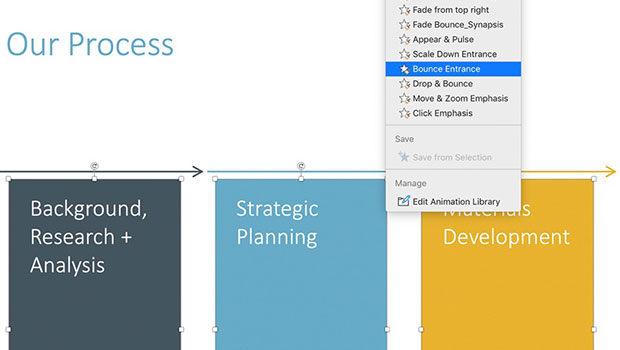
In this PowerPoint video, Richard Goring looks at 3D models in PowerPoint and animates them. He also shows how to add movement within the 3D space without using animation tools.
This article was last modified on August 29, 2025
This article was first published on November 1, 2021
Commenting is easier and faster when you're logged in!

Recommended for you

How to Animate Cursive Writing in Premiere
Use Myra Ferguson's Shape Flow transition effect tip to animate text.

Make an Indiana Jones-esque Map Sequence in Keynote
Learn how to use Apple Keynote to create something similar to the infamous India...
BrightSlide: The Essential Add-in for PowerPoint
Learn what you can do with this incredible free add-on for PowerPoint.