



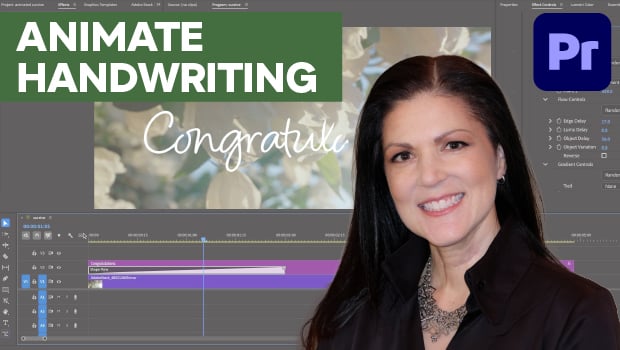
In this Premiere how-to video, Myra Ferguson demonstrates how to animate cursive text using the Shape Flow effect. First, she shows where to find the transition effect and how to add it to her text. Then, Myra shows how to fine-tune the animation’s start point, timing, and flow using the Effect Controls panel.
Subscribe to the CreativePro YouTube channel for more helpful design tips!
This article was last modified on June 3, 2026
This article was first published on June 3, 2026
Commenting is easier and faster when you're logged in!

Recommended for you

Top Tips From CreativePro Week 2019
Erica Gamet shares a dozen of the coolest tips and tricks she learned at Creativ...
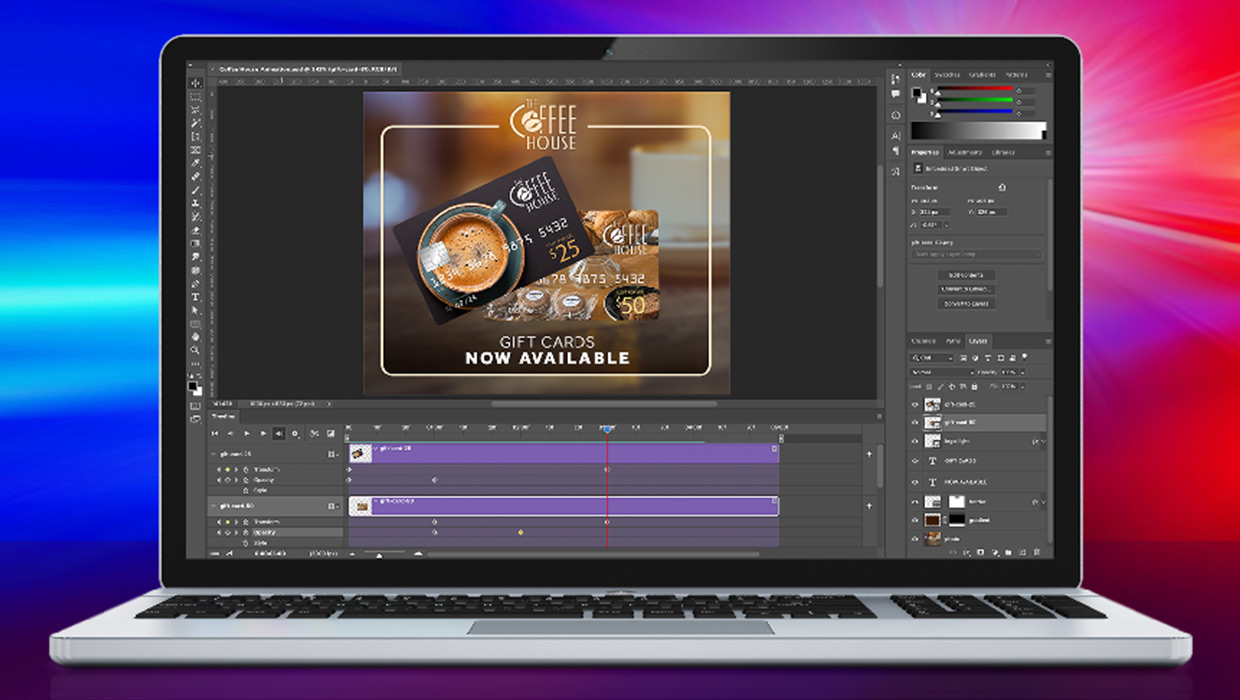
Compositing Video in Photoshop
Tips for using masks, blend modes, filters, and more with video in Photoshop.
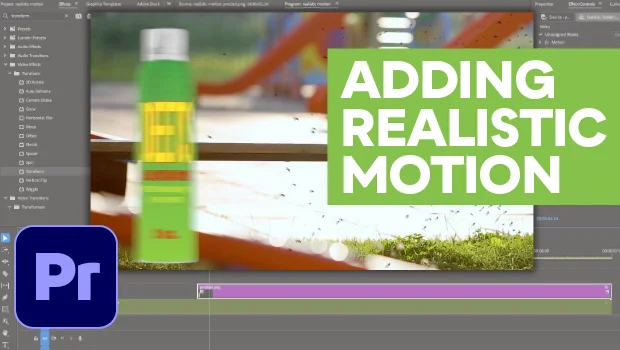
How to Make Motion Look Realistic in Premiere
Create a convincing animation in Premiere using the Transform effect.