




In this PowerPoint how-to, Mike Parkinson shows just how easy it is to place and play a video within text in a presentation. This quick and simple tip merges large type and video to add visual interest to bad or boring slides.
New videos every other Tuesday on our CreativePro YouTube channel. Be sure to subscribe so you don’t miss any!
This article was last modified on August 29, 2025
This article was first published on May 3, 2021
Commenting is easier and faster when you're logged in!

Recommended for you

60 Minutes…
An answer to the question: How do I create dots for all the minutes on a clock f...

Tip of the Week: The Fastest Way to Reset a Tint to 100%
This InDesign tip on the fastest way to reset a tint to 100% was sent to Tip of...
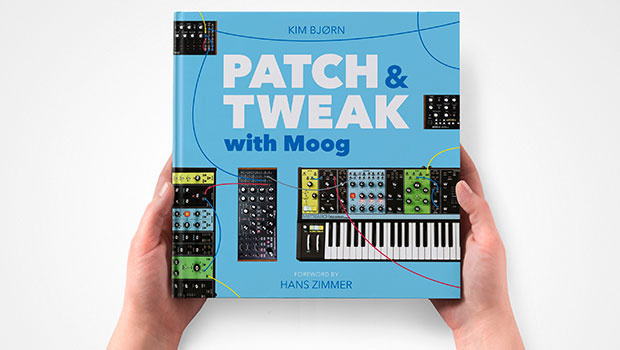
InDesigner: Patch & Tweak with Moog
See how Kim Bjørn finds harmony where music and graphic design meet.