




In this week’s InDesignSecrets video, Mike Rankin shows us how to view the actual color of selected text in InDesign. Normally highlighted text is shown in its complementary color, but he demos a couple of tricks to quickly see color changes.
Check out new tutorials every Tuesday on our InDesign Secrets YouTube channel, then join the discussion on our Facebook group!
This article was last modified on August 29, 2025
This article was first published on May 22, 2019
Commenting is easier and faster when you're logged in!

Recommended for you

How to Be a Better Designer: Know Your Colors
To use color effectively, you have to be intentional, grasp the different color...
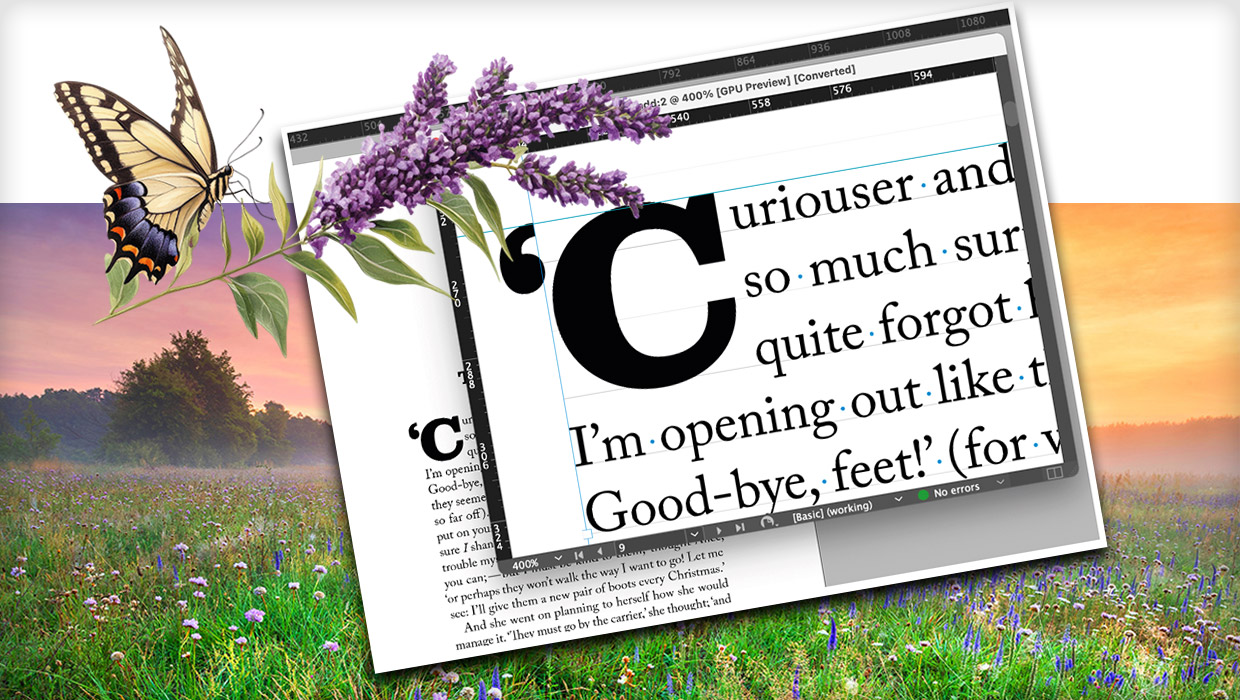
How to Be a Better Graphic Designer: Sweat the Details
Nigel French reminds us how much the little things matter in design.
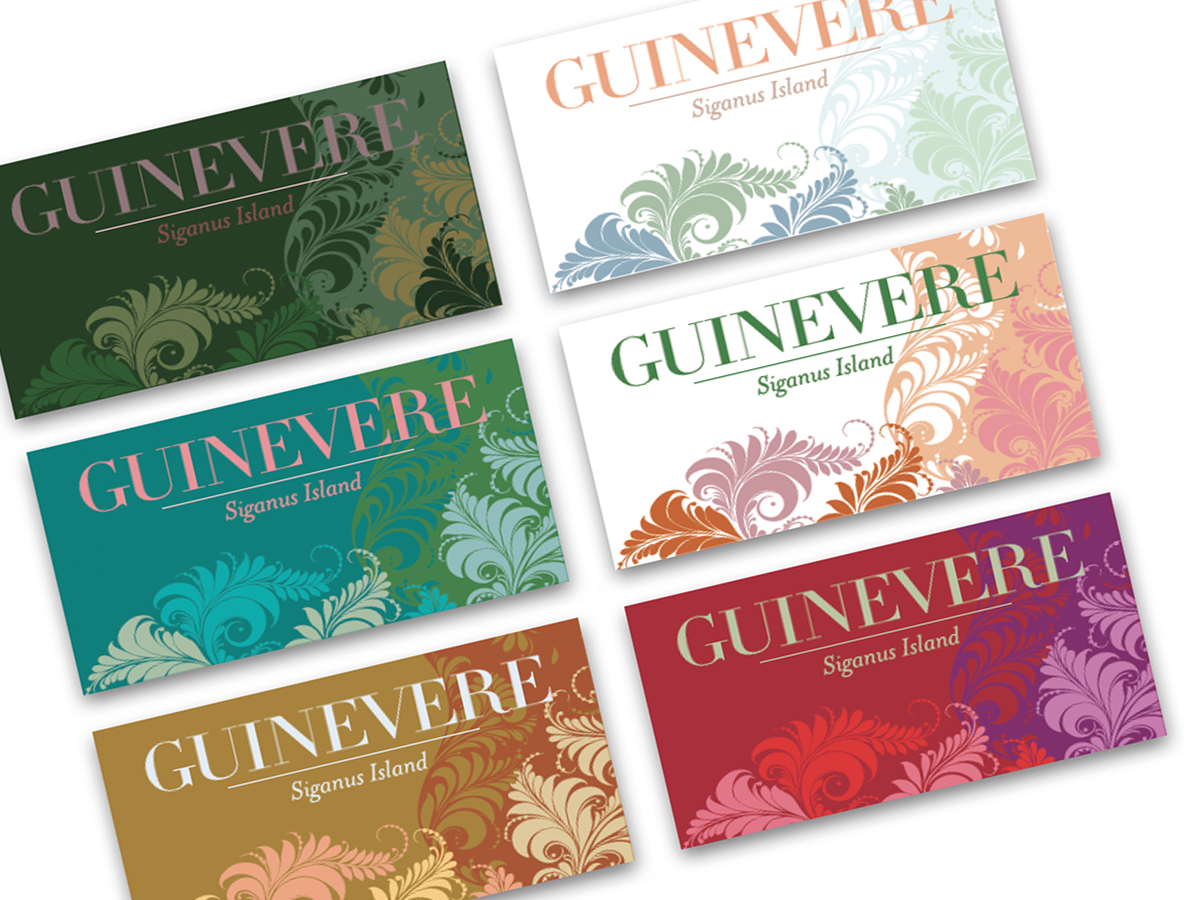
Before&After: Create a Series of Cards
These small, tent-style cards needed to be different but look like a series and...