



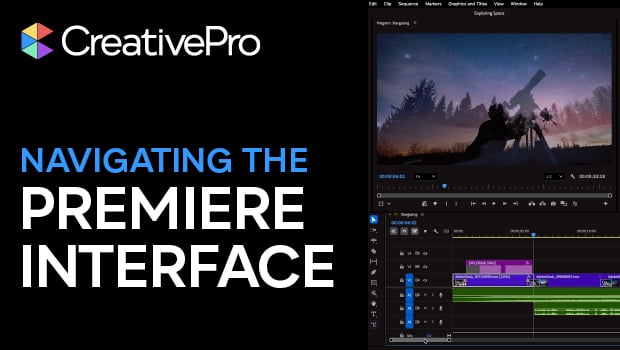
In this Premiere how-to video, Myra Ferguson offers a guide to navigating the interface and customizing your workspace. She demonstrates how to find and manage panel groups, zoom in and out in the timeline, and navigate keyboard shortcuts. Finally, Myra shares tricks for adjusting track heights and thumbnail views, making it easy to see exactly what you’re working on as you edit.
Subscribe to the CreativePro YouTube channel for more helpful design tips!
This article was last modified on March 24, 2026
This article was first published on March 24, 2026
Commenting is easier and faster when you're logged in!

Recommended for you

Tip of the Week: Locking Snippets
Sign up for the InDesign tip of the week to get a new tip, roundups of new artic...
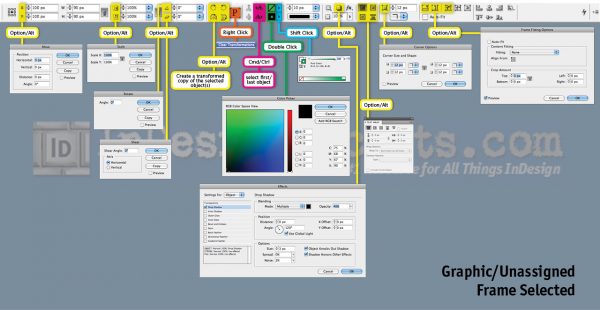
Secrets of the Control Panel Revealed
The Control panel is teeming with hidden shortcuts to other panels, preferences,...
How to Magnify Your Screen Display
Sooner or later, it happens to most of us. No matter how good your eyesight once...