



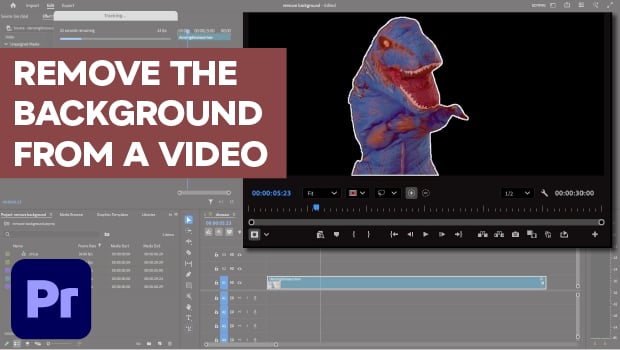
In this Premiere how-to video, Myra Ferguson demonstrates the new Object Masking tool. She explains how to use the tool to remove the background from a video by isolating the subject and tracking their motion across the clip. Finally, Myra shows how to handle a multi-part subject by manually adding or subtracting elements from the mask.
Subscribe to the CreativePro YouTube channel for more helpful design tips!
This article was last modified on May 1, 2026
This article was first published on May 1, 2026
Commenting is easier and faster when you're logged in!

Recommended for you

Easy Patterns in InDesign
With this simple technique you can create an endless variety of patterns wi...
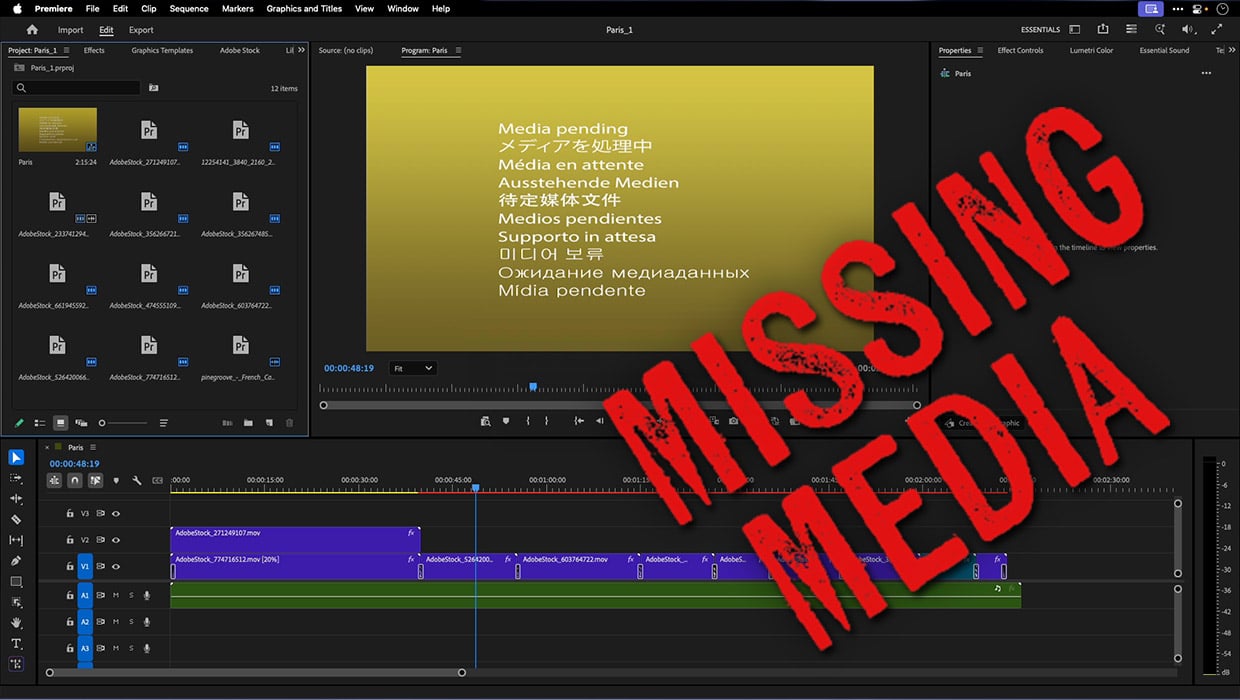
How to Fix Missing Content Problems in Premiere
Learn what the media warnings in Premiere mean and how to address them
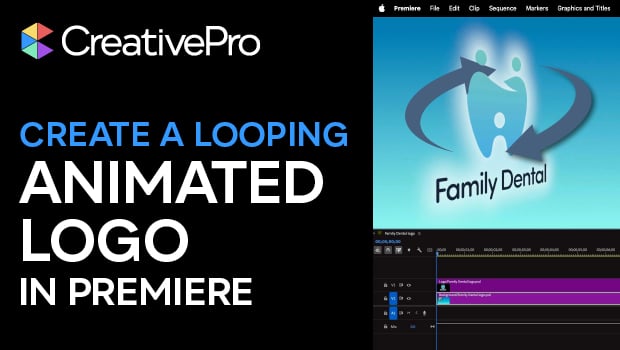
Create an Animated Looping Logo in Premiere
This looping animated logo tutorial from Myra Ferguson is perfect for Premiere b...