




In this week’s InDesignSecrets video, Mike Rankin explains how to control the order of new InDesign layers. With a couple of keyboard shortcuts, you can control where each new layer sits.
Check out new tutorials every Tuesday on our InDesign Secrets YouTube channel, then join the discussion on our Facebook group!
This article was last modified on August 29, 2025
This article was first published on November 27, 2018
Commenting is easier and faster when you're logged in!

Recommended for you

Add Menu for InDesign’s Drawing Tools
InDesign's drawing tools are several mouse clicks away. A start-up script places...
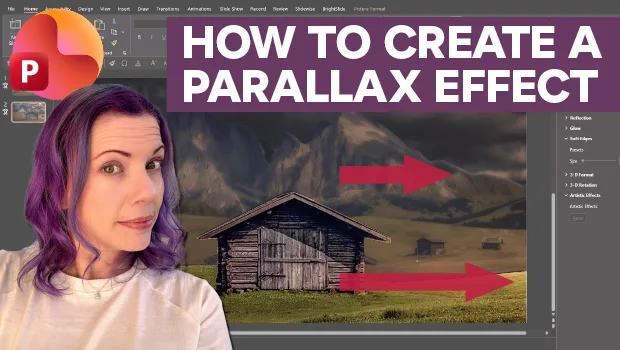
Create Parallax Transitions in PowerPoint
Create dramatic 3D scenes with Stephy Hogan using Morph.

Mapping Paragraph Styles to PDF Tags in InDesign
Map Paragraph Styles in your InDesign document to the proper tags for accessible...