



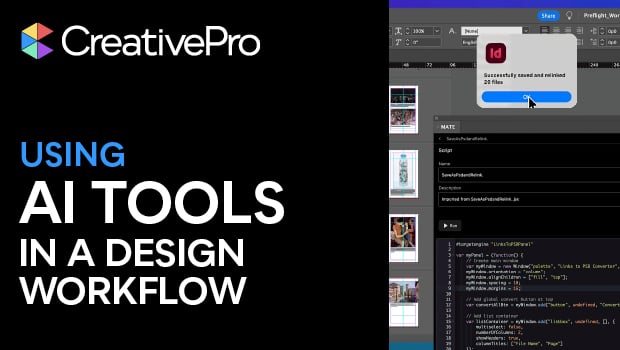
In this InDesign how-to video, Amybeth Menendez combines ChatGPT and the AI plug-in OMATA MATE to create a script to handle tedious tasks. For this demonstration, Amybeth asks ChatGPT to create a prompt for MATE to convert and relink all the images in her document’s link panel to PSD files. Then, MATE generates the script, ready to be loaded into the Scripts panel.
Subscribe to the CreativePro YouTube channel for more helpful design tips!
This article was last modified on April 29, 2026
This article was first published on February 20, 2026
Commenting is easier and faster when you're logged in!

Recommended for you

Build or Rebuild Index from Tags
Use this script with the Index to Text script to complete the process.
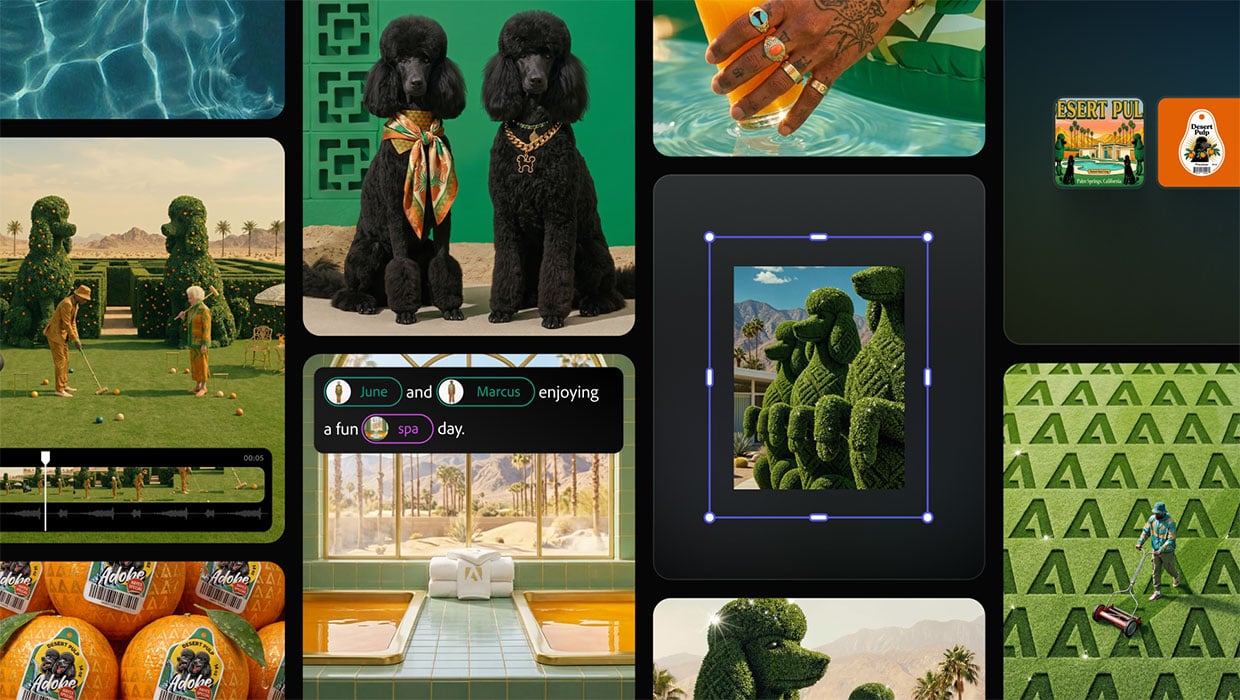
Adobe Unveils Major Expansion of Creative Agent Across Firefly and Creative Cloud Apps Including Photoshop and Premiere
Adobe is giving creative professionals an AI Assistant that orchestrates multi-s...
Scripts by Topic
Active Scripts Unless otherwise indicated, these scripts work with versions of I...