




Many people are confused about the difference between working in CMYK and RGB, so here’s a handy guide that explains how the two systems work.
Working in CMYK is like painting on paper. You start with a white sheet, and any colors you add make the paper darker. Here are circles in Cyan, Magenta, and Yellow.

If you combine Cyan and Magenta, you get blue.

If you combine Cyan and Yellow, you get green.

If you combine Yellow and Magenta, you get red.

If you combine all three colors—Cyan, Magenta, and Yellow—you get black. Actually, you don’t: You get a dark brown instead. That’s why commercial printing adds a fourth color—Black—to make shadows richer. And that’s how we arrive at CMYK. There’s some argument over what K stands for, but the consensus is that it stands for Key.

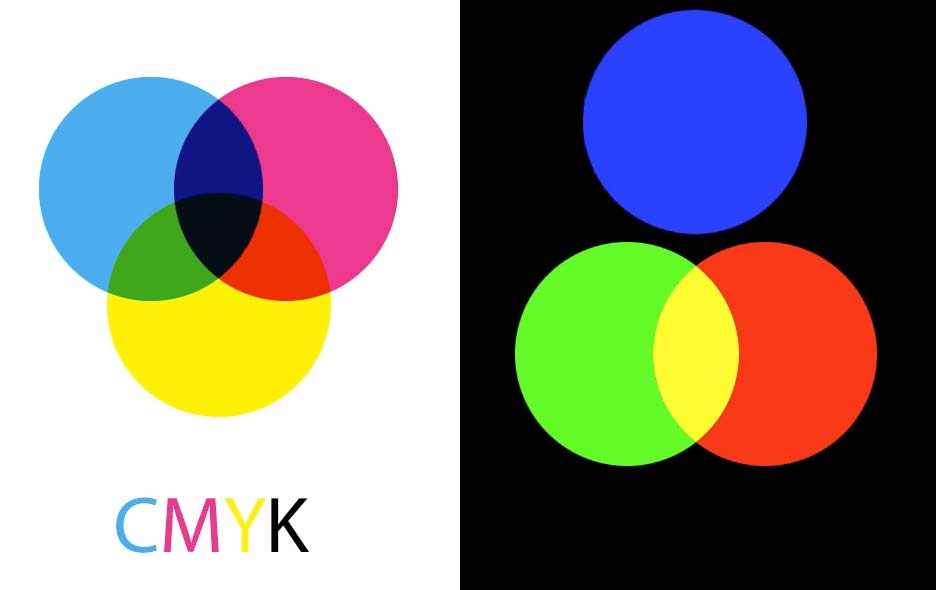
Working in RGB is exactly the opposite. You start with black, and any colors you add make the darkness brighter. Here are circles in Red, Green, and Blue.

If you combine Red and Green, the result is brighter still: You get yellow.
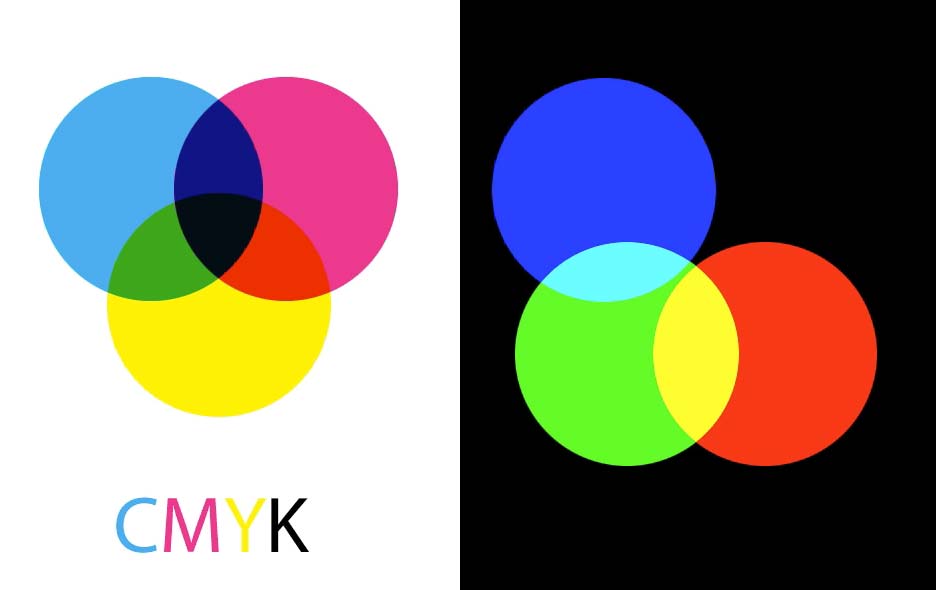
If you combine Blue and Green, you get cyan.
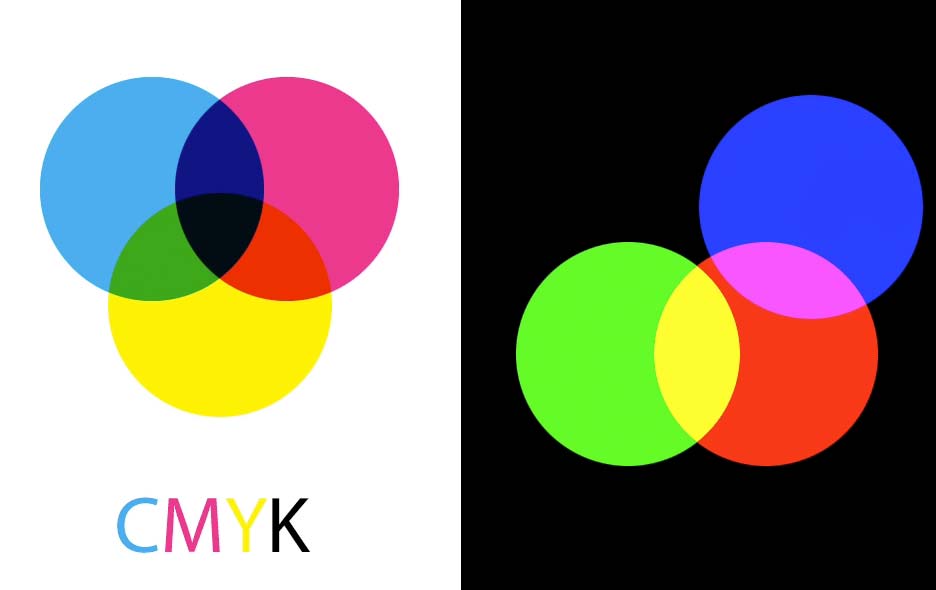
If you combine Blue and Red, you get magenta.
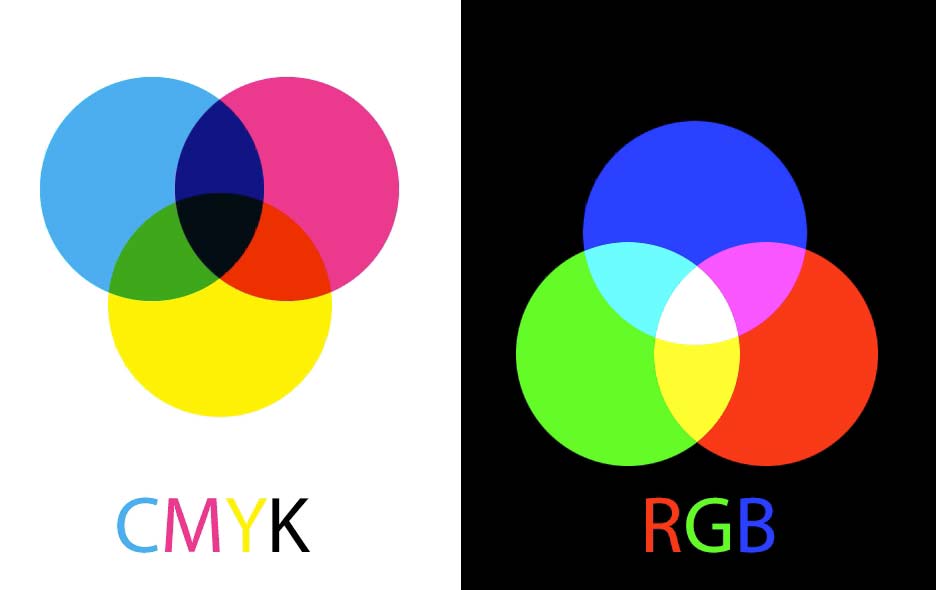
If you combine all three colors—Red, Green, and Blue—you get pure white. It’s worth noting here that RGB and CMYK are almost exact opposites: The overlaps inside the CMY circles make red, green and blue, while the overlaps inside the RGB circles make cyan, magenta and yellow.
When you’re creating artwork for print, you need to be aware that the RGB color gamut is much wider than the CMYK gamut. This means you can create much brighter, more saturated colors in RGB than can ever be printed in CMYK.

If you’re working in RGB in any Creative Cloud program, you can check how the image will look when converted to CMYK by choosing View > Proof Colors, or using the shortcut Command/Ctrl+Y. Here, you can see how the saturated colors in this clown look much duller when converted to CMYK. So, if you’re working for print, you’ll need to adjust the colors to avoid disappointment later.

Check out the video version of this tutorial below and get a link to download the original artwork at https://www.2minutephotoshop.com/difference-between-rgb-and-cmyk/
This article was last modified on June 8, 2022
This article was first published on December 13, 2017
Commenting is easier and faster when you're logged in!

Recommended for you

Considerate Color
With a little extra care you can choose effective colors for the broadest possib...

Tip of the Week: Using the Color Theme Tool
This tip was sent to Tip of the Week email subscribers on December 31, 2014. Sig...
10 Photoshop Efficiency Tips from CreativePro Week
Use these quick tips to increase your efficiency and enjoyment in Photoshop.