




One of the features that recently debuted with the English version of InDesign CC 2014.2 is a new Welcome screen, sporting four panels full of links to recent documents, videos, forums, InDesign Help, and more.


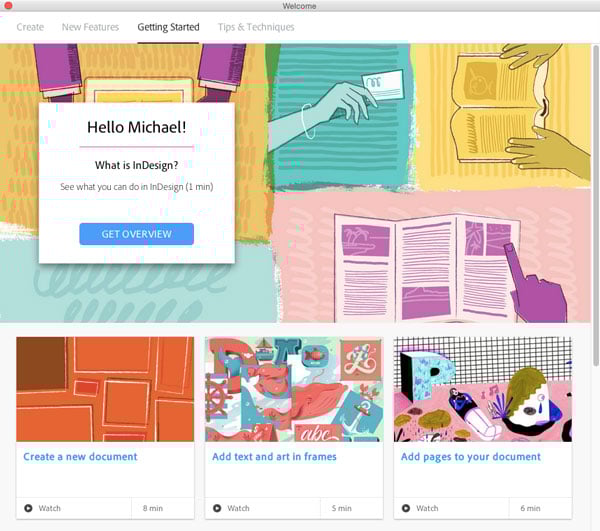
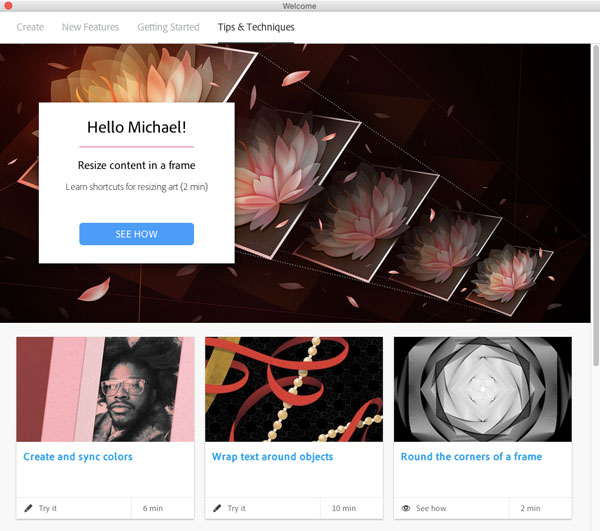
About all it’s missing is a link to InDesignSecrets…and an obvious way to tell InDesign you don’t want to see the Welcome screen any more.
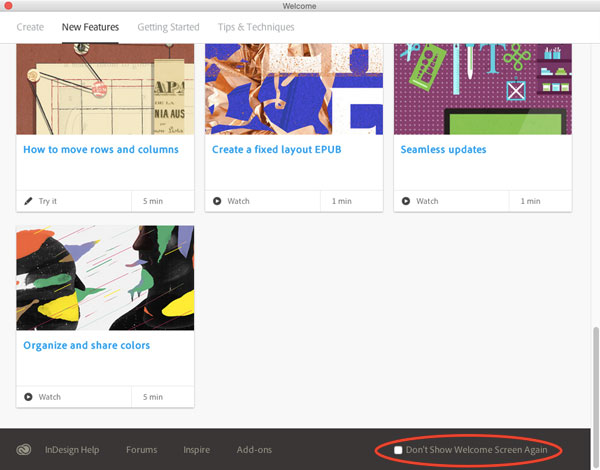
There’s nothing on the first tab of the Welcome screen that will allow you to turn it off permanently. Instead, what you need to do is click on any of the other three tabs (New Features, Getting Started, or Tips & Techniques) and scroll down to the bottom, where you can see the checkbox for Don’t Show Welcome Screen Again.
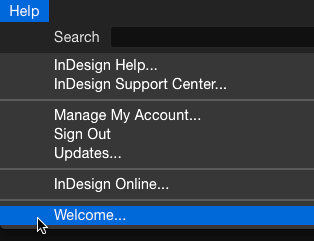
And if you change your mind later, you can always display the Welcome screen by going to InDesign’s Help menu and choosing Welcome.
This article was last modified on July 25, 2019
This article was first published on March 4, 2015
Commenting is easier and faster when you're logged in!

Recommended for you

Saving Thumbnails of InDesign Pages
Keith does a "deep dive" into saving thumbnails for Bridge in InDesign.
Changing sizes… mixing scaling and sizing
This is a story about scaling and sizing objects? InDesign CS5 introduced the ab...
Designing Forms with InDesign? Acrobat’s Replace Pages Feature is at Your Service.
Revising a PDF form doesn't have to mean a lot of work.