



One of the features that recently debuted with the English version of InDesign CC 2014.2 is a new Welcome screen, sporting four panels full of links to recent documents, videos, forums, InDesign Help, and more.


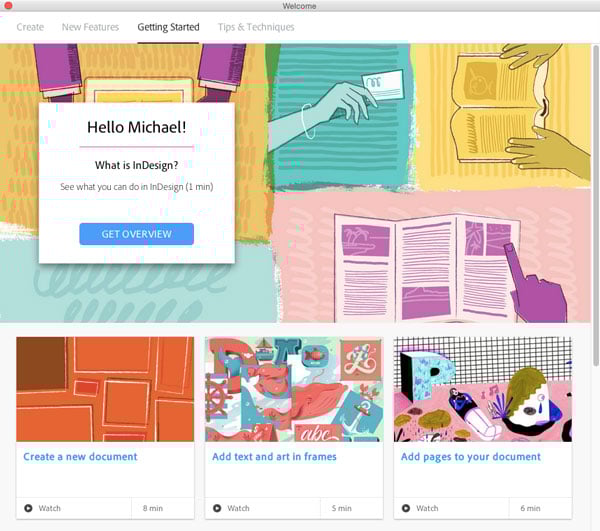
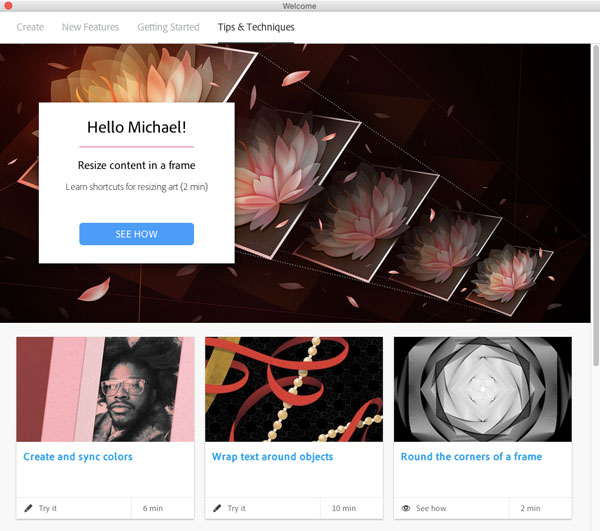
About all it’s missing is a link to InDesignSecrets…and an obvious way to tell InDesign you don’t want to see the Welcome screen any more.
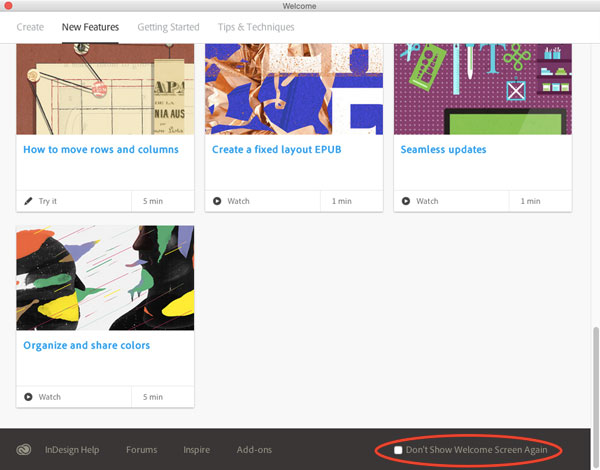
There’s nothing on the first tab of the Welcome screen that will allow you to turn it off permanently. Instead, what you need to do is click on any of the other three tabs (New Features, Getting Started, or Tips & Techniques) and scroll down to the bottom, where you can see the checkbox for Don’t Show Welcome Screen Again.
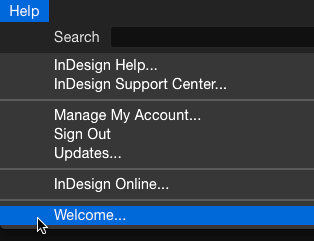
And if you change your mind later, you can always display the Welcome screen by going to InDesign’s Help menu and choosing Welcome.
This article was last modified on July 25, 2019
This article was first published on March 4, 2015
Commenting is easier and faster when you're logged in!

Recommended for you

This Week in InDesign Articles, Number 19
Oh, there's a whole lot o' goodies in today's issue... scripts, articles, and gr...

Copy Vectors from Illustrator to InDesign (or vice versa)
Why copy-and-paste of vector outlines between Illustrator and InDesign sometimes...
Turning on the preference for “Text Wrap Only Affects Text Beneath.” Yes or No?
About a month ago I got a file from someone that showed text that was rasterized...