




I recently read that with CS5 you can transform pages just like you can transform objects on pages. Scale, Rotate, Free Transform, and Shear all work on pages now. It isn’t obvious at first how to do this, but one method that works is to transform an object and then switch to the Page tool, select a page, and choose Transform Again (or Transform Sequence Again) from the Object menu.
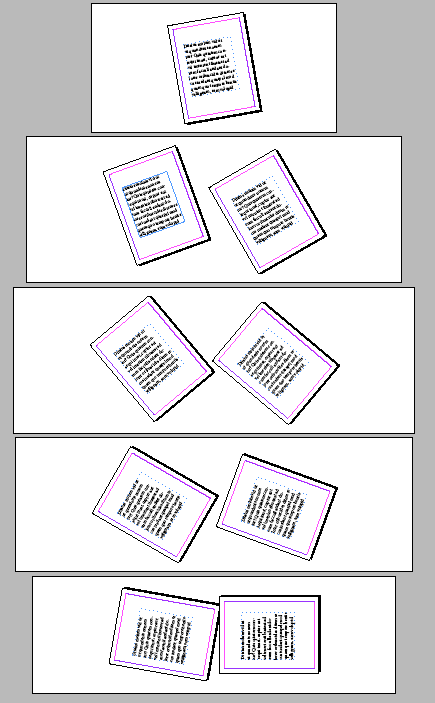
Here’s a document with pages rotated in 10 degree increments.
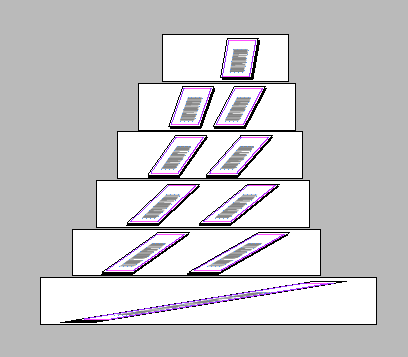
Here’s one with sheared pages.
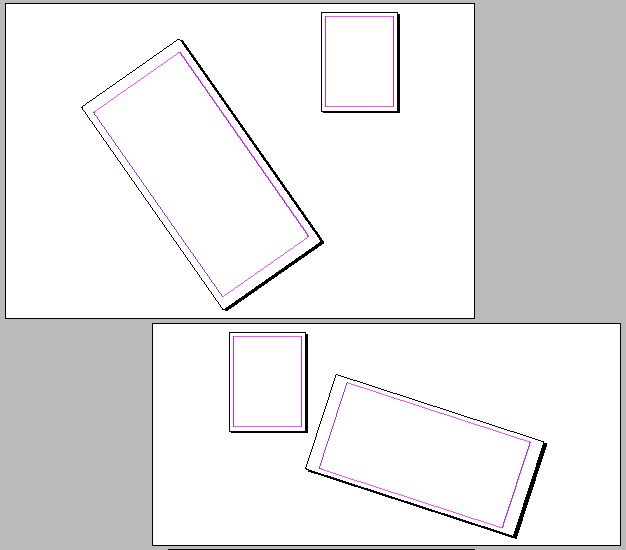
Here are some with multiple transformations applied.
If you place an object after transforming the page, the object appears normal in the document window. But in the Pages panel, you can see what your output will look like in print, PDF, etc. Click the image below for a close up.

You can also see the different behavior of master page items and local items.

Now you might think at least some of this is buggy behavior, but no. It is all documented in the CS5 scripting guide. This is a feature. A weird feature, but a feature nonetheless.
This article was last modified on December 20, 2021
This article was first published on May 7, 2010
Commenting is easier and faster when you're logged in!

Recommended for you

Using InDesign’s Parent Pages
Learn how to update your long documents instantly with parent pages!
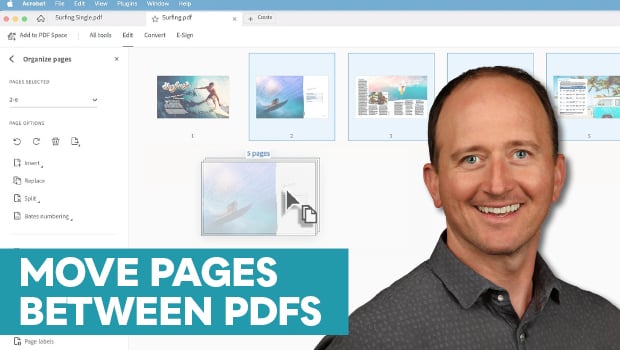
How to Move Pages Between PDFs with Adobe Acrobat
Learn how to move pages between PDF files with Chad Chelius.