



Helen Bradley has written a thorough tutorial on using Photoshop to create kaleidoscope patterns from any photo with interesting color and shapes.
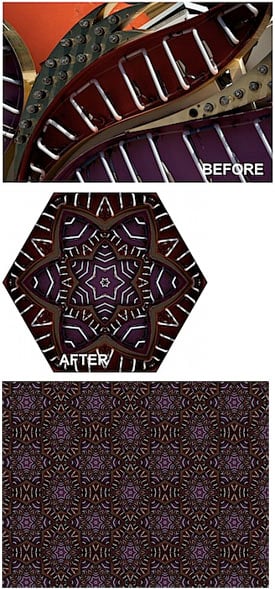
To read the tutorial, head to the Digital Photography School Web site.
This article was last modified on December 17, 2022
This article was first published on November 5, 2009
Commenting is easier and faster when you're logged in!

Recommended for you

Scanning Around With Gene: Stuff I Miss About Photography
For my thirteenth birthday, my father gave me a “junior darkroom” kit and taught...

Illustrator Tip: Creating Custom Views
When you work in Adobe Illustrator, do you often find yourself zooming and scrol...

Create Interactive Infographics with Infogr.am
Infographics can be a great way to make boring or obscure data into something be...