



Helen Bradley has written a thorough tutorial on using Photoshop to create kaleidoscope patterns from any photo with interesting color and shapes.
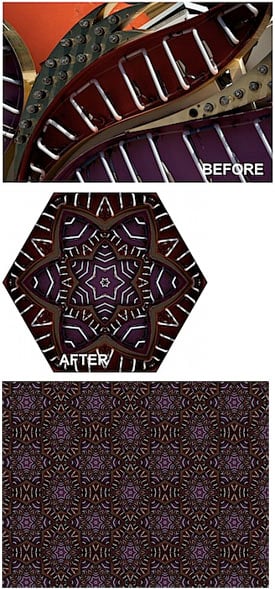
To read the tutorial, head to the Digital Photography School Web site.
This article was last modified on December 17, 2022
This article was first published on November 5, 2009
Commenting is easier and faster when you're logged in!

Recommended for you
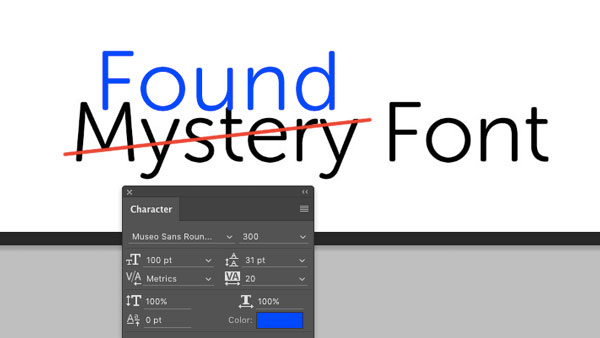
CreativePro Tip of the Week: Identifying Fonts in Photoshop
This CreativePro Tip of the Week on identifying fonts in Photoshop was sent to C...

How to Extract Images Using Photoshop’s Refine Mask
Splitting Hairs with Refine Mask We can only accomplish so much using manual mas...

Scanning Around With Gene: When Chemicals Plus Electricity Equaled Beautiful Art
You could certainly argue that the graphic arts industry, even in its present co...