



Ever need to record the location of placed files, either for your own records or to send to someone else? You don’t have to manually type out a file path of a placed file in InDesign. All you have to do is visit the Links panel, select the file in the panel, and from the panel menu choose Copy Info > Copy Full Path (or Copy Platform Style Path).
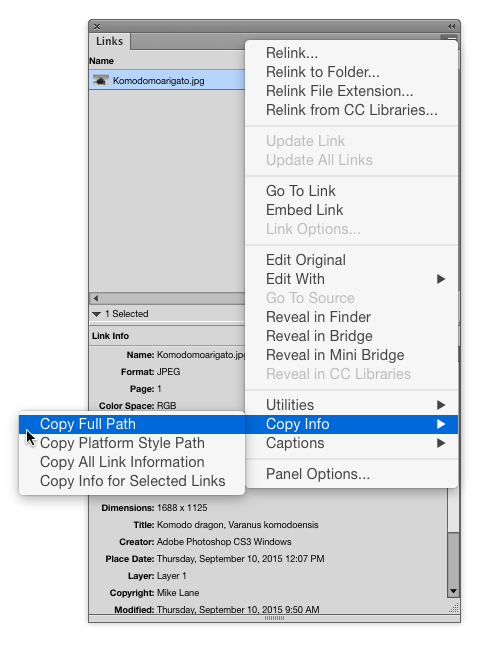
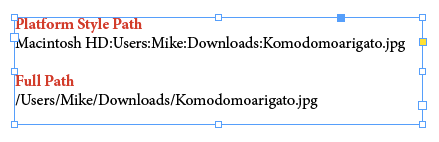
You can also access this command by right-clicking on the file in the panel or in the Link Info section of the panel.

This article was last modified on January 12, 2026
This article was first published on September 15, 2015
Commenting is easier and faster when you're logged in!

Recommended for you
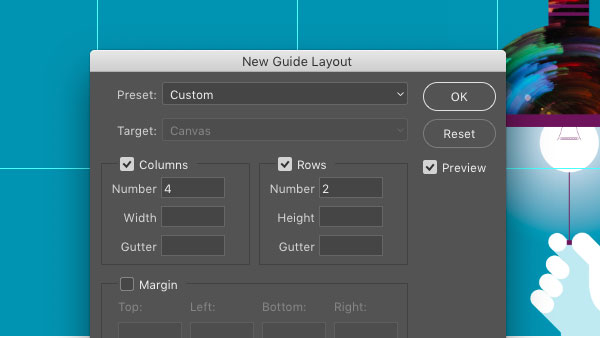
CreativePro Tip of the Week: Creating Guide Layouts in Photoshop
Ever need to create a set of regularly-spaced guides in a Photoshop document? Or...

Tip of the Week: Faster Interactive Previews
This InDesign tip on how to get faster interactive previews was sent to Tip...

Getting Accurate Colors When Printing Proofs from InDesign
J.K. wrote: I am in the process of printing a postcard out of InDesign CS3. The...