



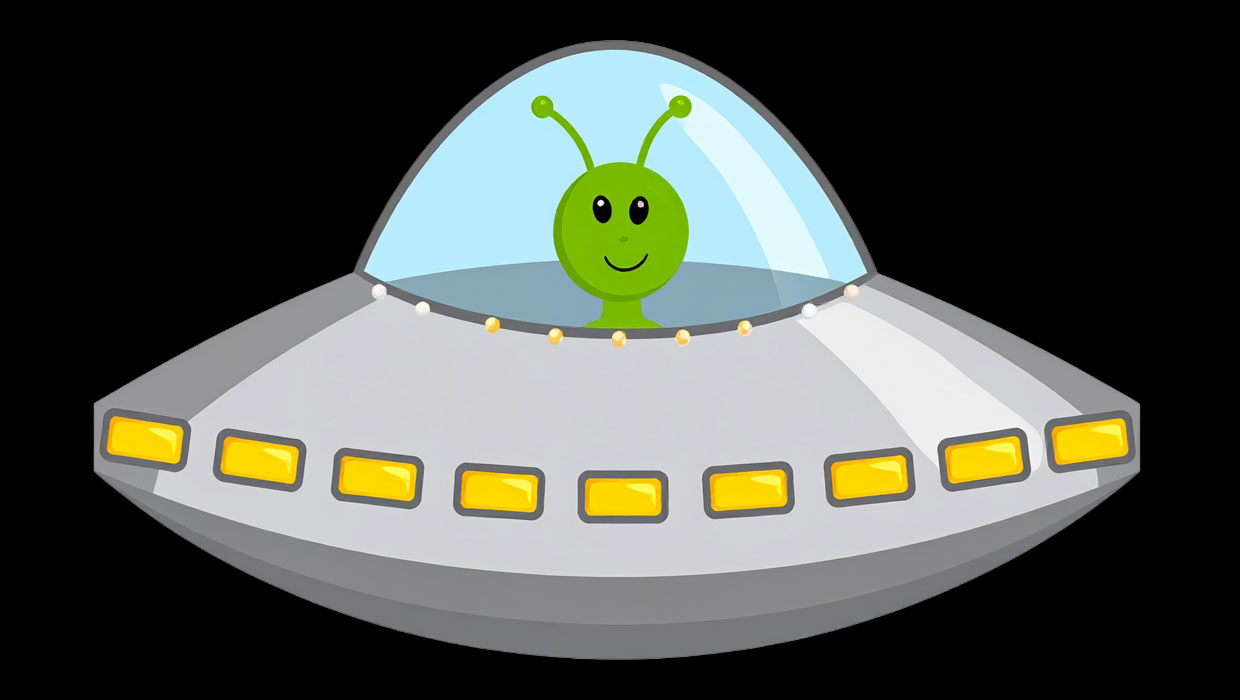
Back in the day, just about every major desktop publishing and design program had a few little secret goodies (a.k.a. “Easter eggs”) that you could demonstrate to your friends and co-workers to prove your über-geek cred. Nowadays there aren’t many Easter eggs left, but InDesign still has a few. We’ve mentioned the secret stroke styles several times at InDesignSecrets. Another Easter egg that persists is the Friendly Alien. This is a brief animation that you can watch by doing the following:
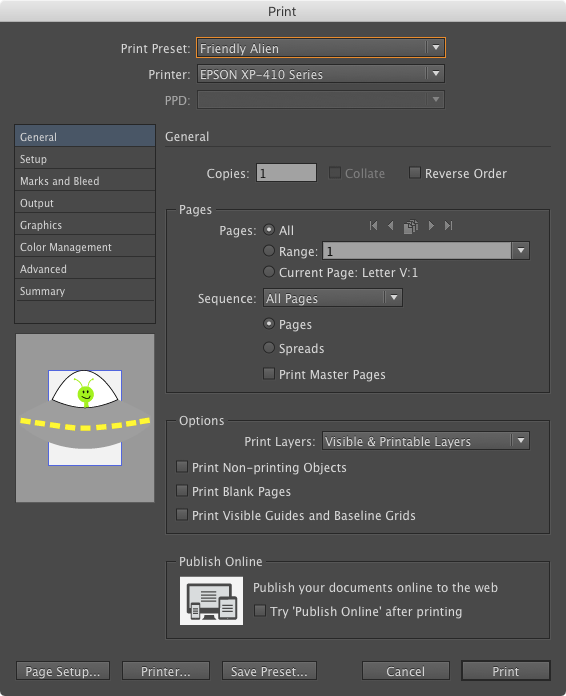
Make a new Printing Preset by choosing File > Print Presets > Define. Name your new preset “Friendly Alien” (use any settings). Save the preset. Then open the Print dialog box and choose the Friendly Alien preset. Click on the Preview window in the lower left corner of the dialog box and the friendly alien will soon pay you a visit.
This article was last modified on June 16, 2025
This article was first published on February 28, 2017
Commenting is easier and faster when you're logged in!

Recommended for you
Smarter Thumbnails in Photoshop
Make Photoshop layer thumbnails clearer with one quick setting change.
Don’t Sweat the Math—Let Photoshop Do It!
Let Photoshop—and other Adobe apps—do the math for you when entering numerical v...

Add Menu for InDesign’s Drawing Tools
InDesign's drawing tools are several mouse clicks away. A start-up script places...