




This InDesign tip on adding alt text to images with object styles was sent to Tip of the Week email subscribers on March 30, 2017.

Sign up now and every week you’ll get a new tip, keyboard shortcut, and roundups of new articles, plus exclusive deals sent right to your Inbox!
Just scroll down to the bottom of this page, enter your email address, and click Go! We’ll take care of the rest. Now, on with the tip!
One of the best things about sending out a Tip of the Week to thousands of savvy InDesign users is that you folks occasionally write back to me with cool ideas that build on the tip. This happened last week when I sent out a tip about adding alt text to images with object export options. I got an email back from Susan Krupkowski with her method for dealing with custom alt text for images.

As well as an object style applied to the frame that specifies custom alt text.

You could also use an object style to instantly set the alt text to the image’s title, etc.

And to make the whole workflow actually flow, she uses a custom keyboard shortcut to bring up the Object Export Options dialog box and replace the placeholder text.

Thanks, Susan!
And the rest of you folks—if you have a cool tip, send it to me (email mike at indesignsecrets.com)! You just might see it in a future Tip of the Week.
This article was last modified on July 25, 2019
This article was first published on April 4, 2017
Commenting is easier and faster when you're logged in!

Recommended for you

InCrease Your Learning with Project-Based Sessions at The InDesign Conference 2025
Take a hands-on approach to learning InDesign
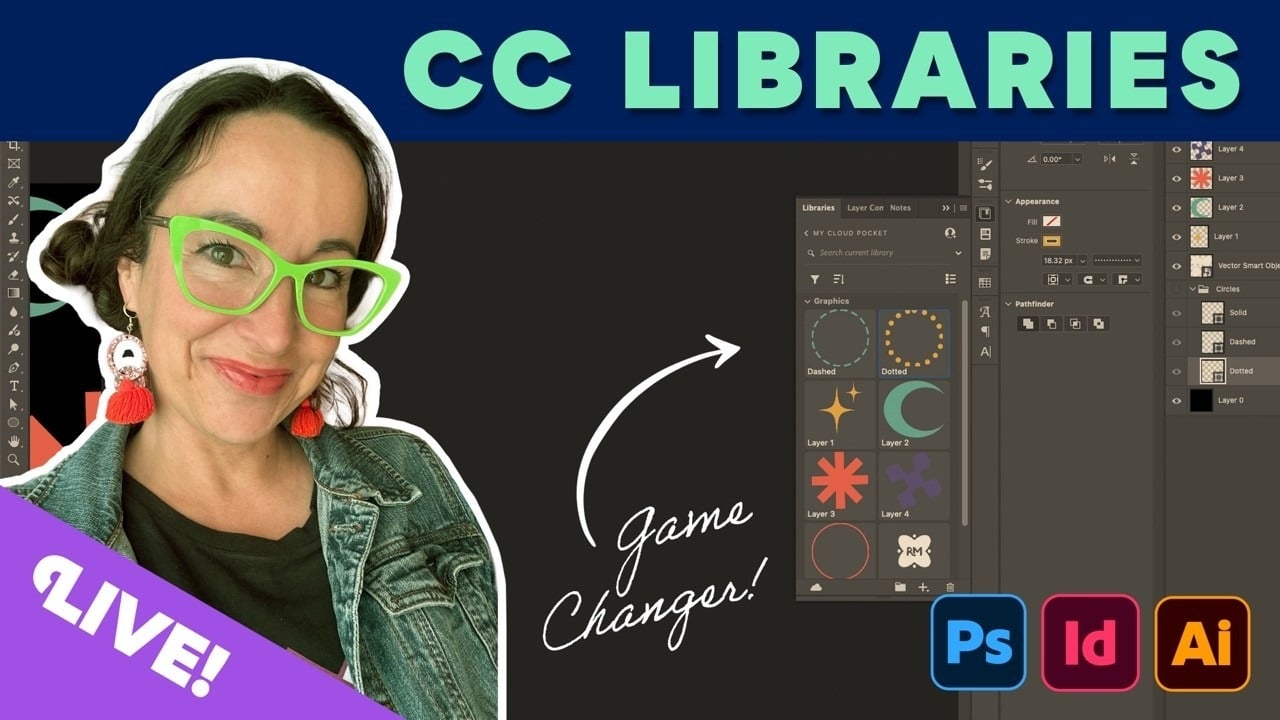
Livestream Video: CC Libraries: A Crash Course
Are you using CC Libraries? Tune in to find out why you should be!

Accessibility-Compliant Table of Contents
InDesign creates hyperlinks for the table-of-contents (TOC) entries when a TOC i...