
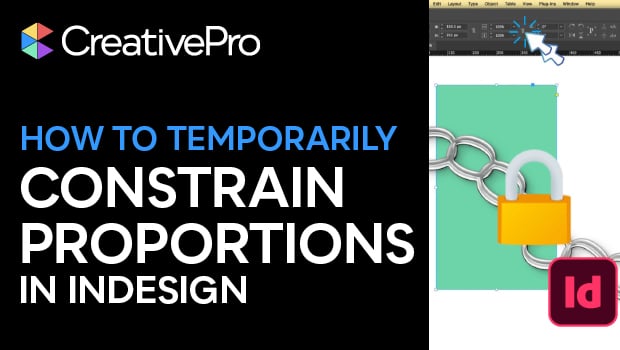
In this short InDesign how-to video, Khara Plicanic reveals a smarter way to lock and unlock proportions without repeatedly clicking the chain icon. She enters scale values directly in the Control panel and applies them proportionally with a keyboard shortcut.
Subscribe to the CreativePro YouTube channel for more helpful design tips!
This article was last modified on March 16, 2026
This article was first published on March 16, 2026
Commenting is easier and faster when you're logged in!

Recommended for you
Illustrator’s Two Kinds of Type
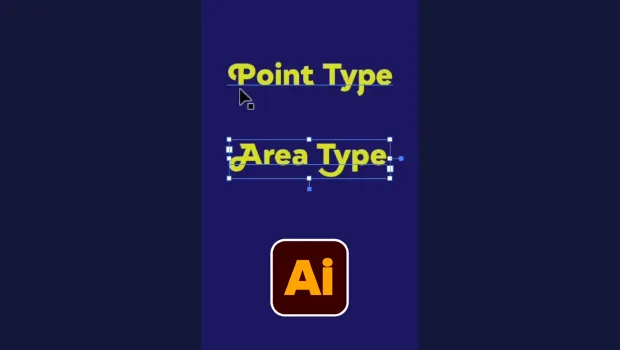
Khara Plicanic explains the two kinds of type in Illustrator.
Adding and Styling Text in Premiere
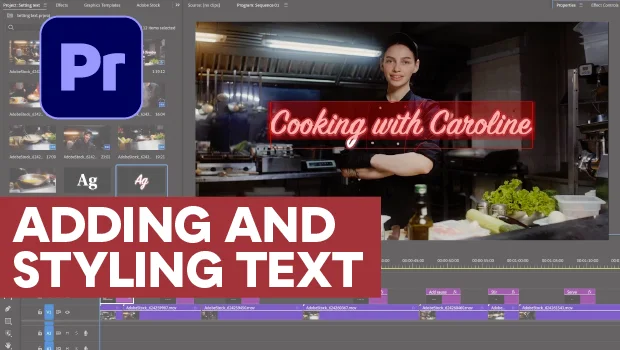
Myra Ferguson covers text formatting and safe margins in Premiere.