



In this short InDesign how-to video, Khara Plicanic reveals a smarter way to lock and unlock proportions without repeatedly clicking the chain icon. She enters scale values directly in the Control panel and applies them proportionally with a keyboard shortcut.
Subscribe to the CreativePro YouTube channel for more helpful design tips!
This article was last modified on March 16, 2026
This article was first published on March 16, 2026
Commenting is easier and faster when you're logged in!

Recommended for you

Changing sizes… mixing scaling and sizing
This is a story about scaling and sizing objects? InDesign CS5 introduced the ab...

Resize Your Documents to Fit One or More Objects on the Page
I often make graphics (such as logos or ads) in InDesign, but they’re in the mid...
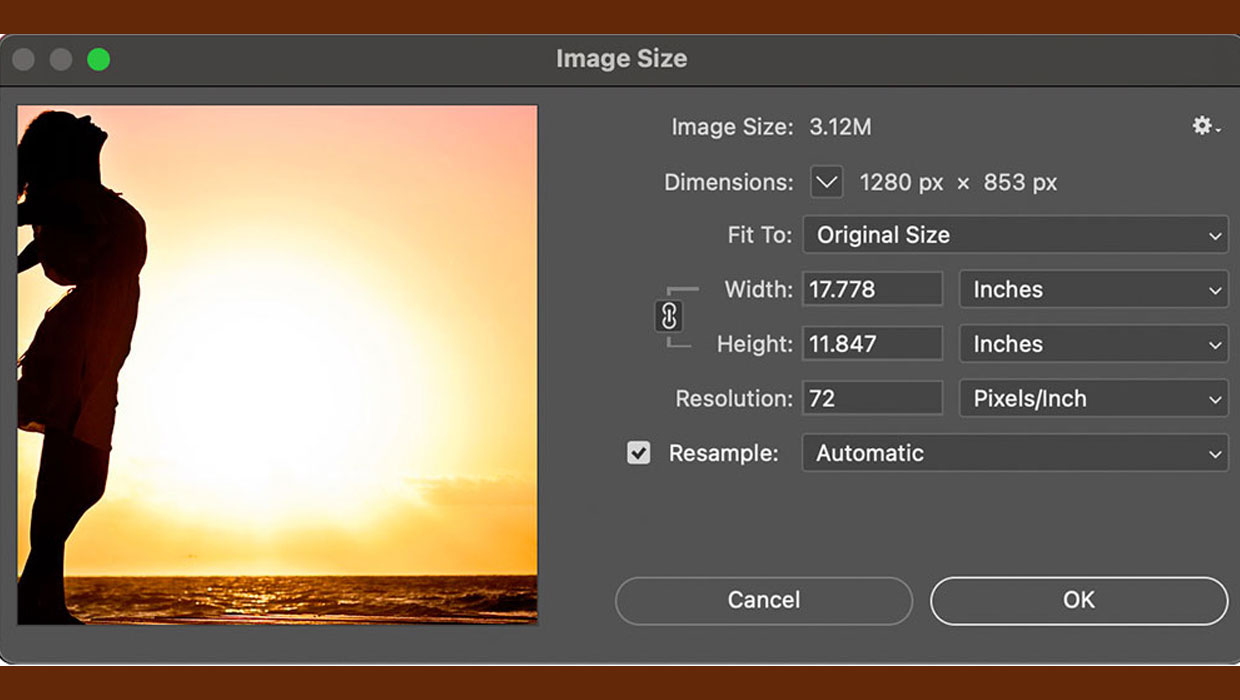
How to Resize Images Without Resampling in Photoshop
A quick tip for changing the resolution of an image without changing the pixels...